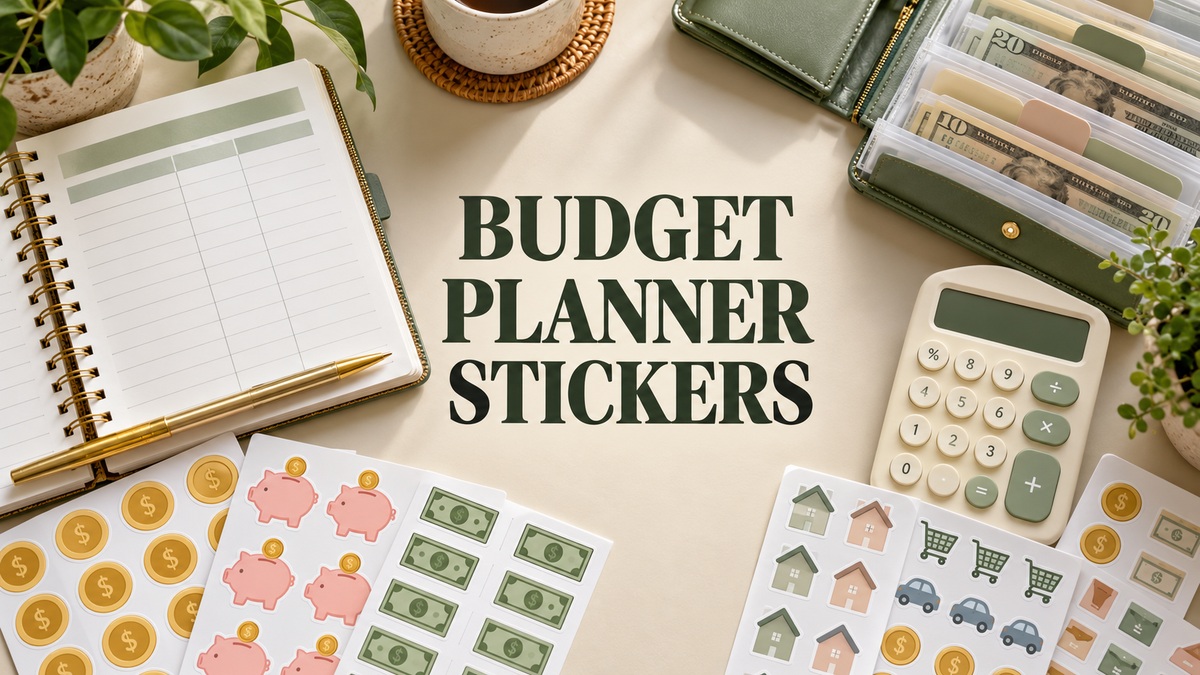
9 Useful Budget Planner Stickers for Bills, Savings and Spending
Budget planner stickers are useful when they make a due date, spending note or financial-review session easier to find. They work best beside your real records, with written amounts and dates still doing the important work. This collection compares nine downloads, ranging from coordinated printable kits to digital finance graphics and dedicated bill reminders.
I selected budget planner stickers with different purposes rather than treating repeated color editions as separate kits. A broad finance collection, a spending box and a mortgage reminder solve different needs. Each review identifies the documented files and the preparation involved; no sticker pack here is presented as an automatic budgeting or accounting tool.
If you need the underlying pages as well, our printable budget planner templates provide a starting structure. Choose stickers after you know which records and calendar spaces you want to label.
1. Budget Planner Stickers — Printable Erin Condren Kit
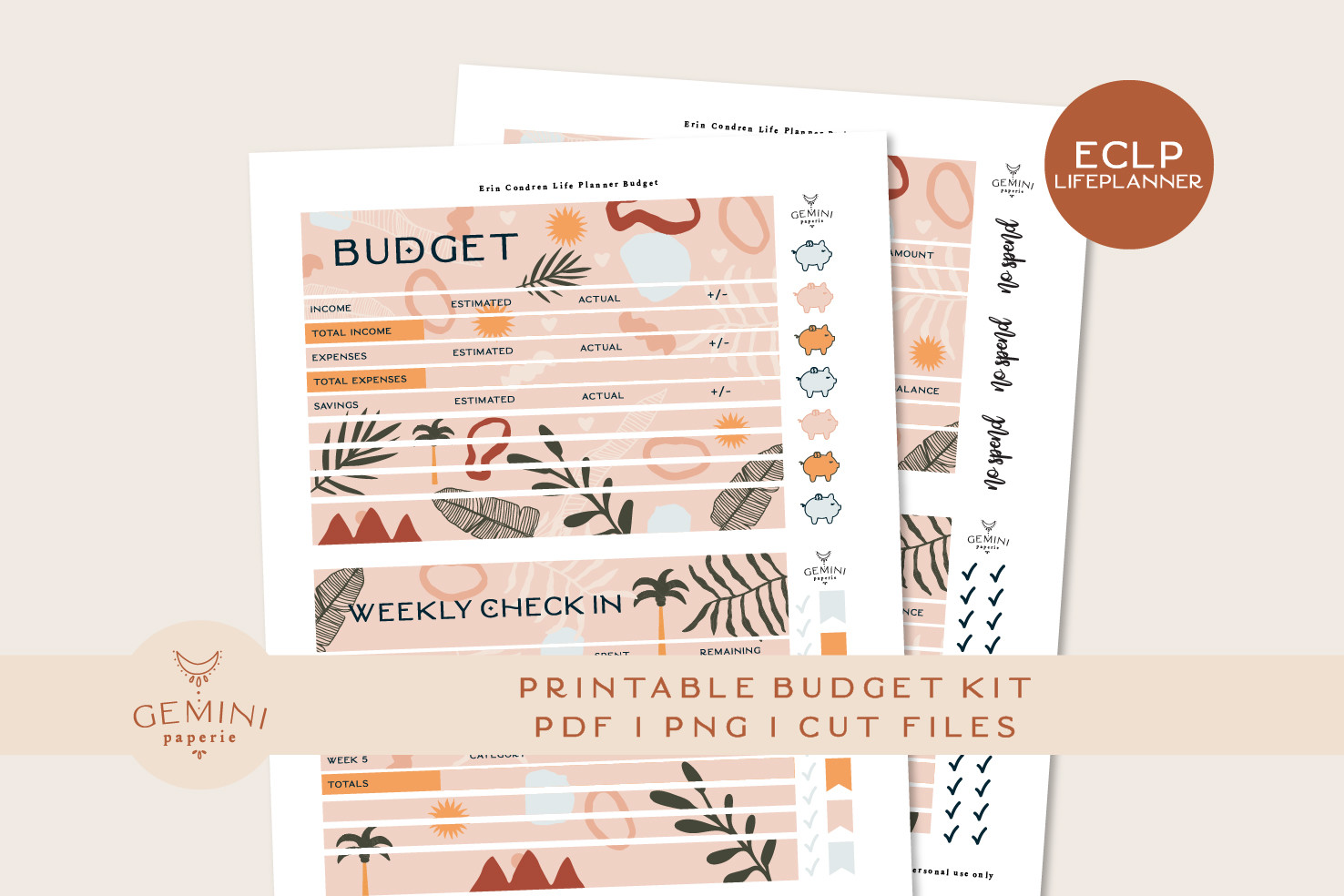
Geminipaperie designs this budget kit for Erin Condren Life Planner layouts, with full boxes measuring 1.4 × 1.6 inches. The download lists PNG assets for Cricut and Silhouette, DXF cutline files, an overview PDF and a printing-and-cutting guide. It is a useful choice for readers who want a coordinated budget spread and are comfortable preparing stickers in cutting software.
Measure your planner boxes before choosing the kit, even when the planner brand appears in the description. Use labels and boxes to make your own financial records easier to scan; the stickers do not calculate totals. The overview PDF is not explicitly described as a complete printable sticker sheet. Follow the included guide and test alignment before cutting, especially if you use a different machine from the seller’s stated test setup.
2. 144 Financial Budget Stickers with Cropped and Sheet Versions
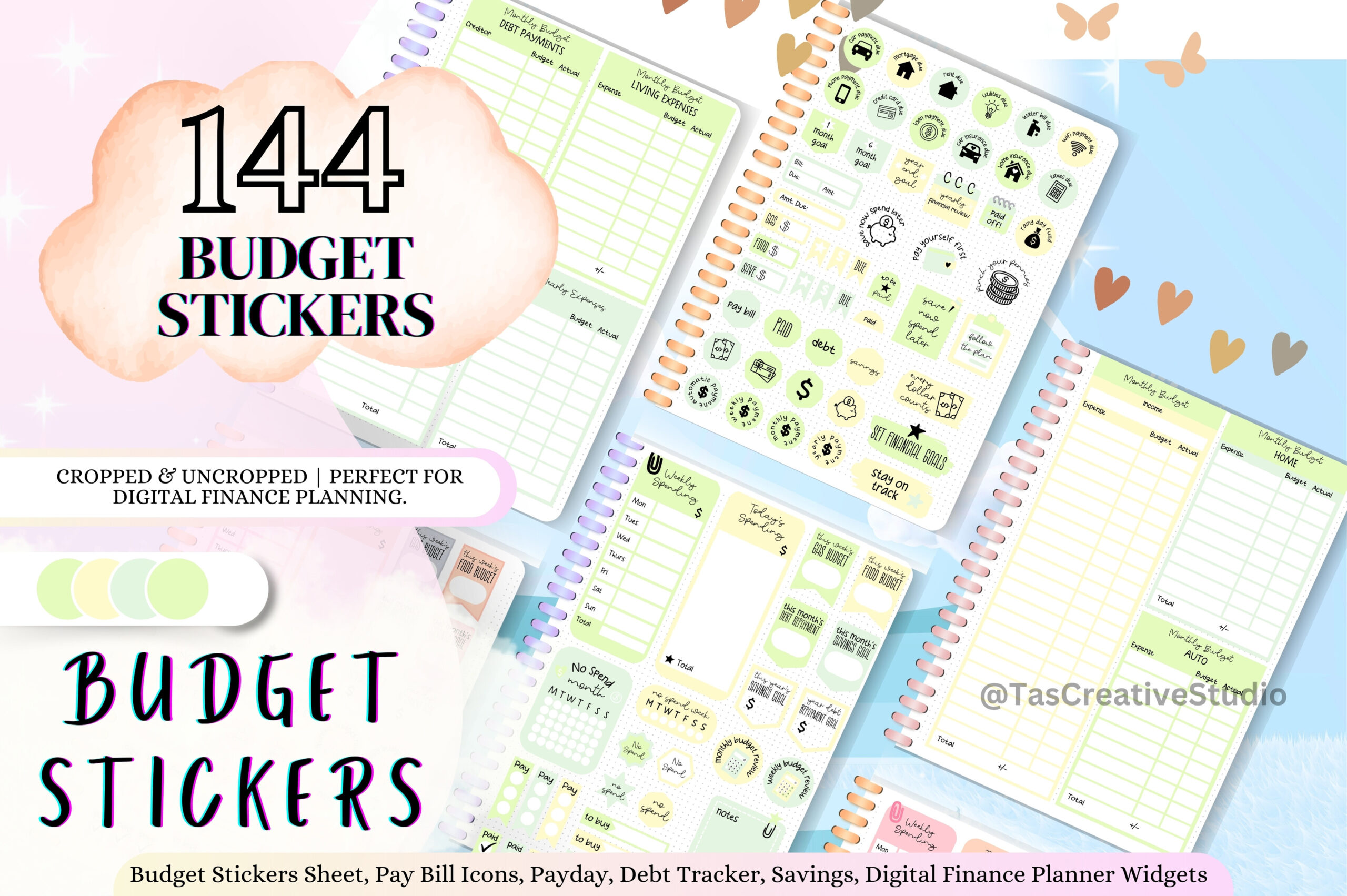
Tas Creative Studio describes 144 financial stickers in green designs, with cropped and uncropped versions and five A5 sheets in PDF and transparent PNG. A five-page sticker book is also mentioned. This combination is useful for readers who want a coordinated digital budget spread but appreciate having sheet versions available as well.
Use the individual stickers for recurring budget categories and keep the sheets as a browsable reference. The seller names apps including Goodnotes, Notability, Noteshelf, Xodo and Samsung Notes, but does not specify a native .goodnotes file. Avoid assuming that the sticker book is an app-specific collection. For paper use, check the supplied resolution and print scale first; the A5 sheet size alone does not establish suitability for every planner.
3. Finance and Business Stickers with Ink-Saver PDFs
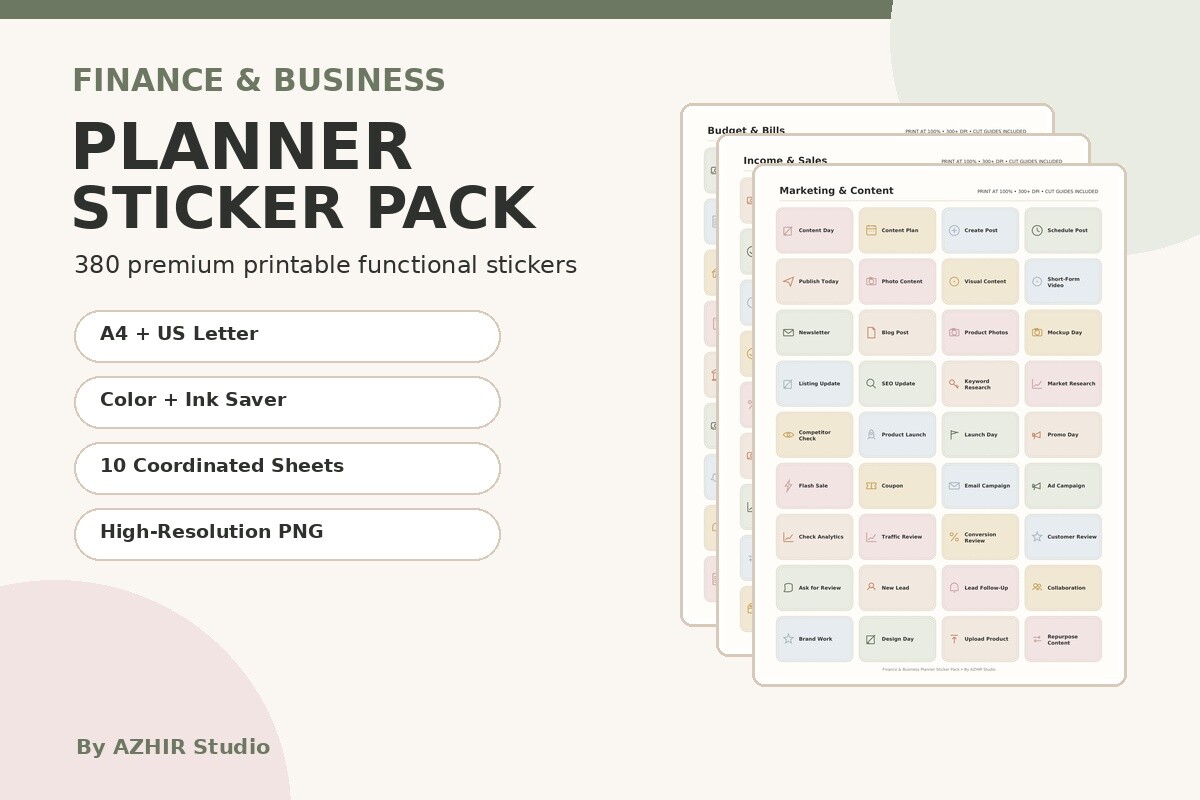
Azhir lists 380 functional finance and business stickers across ten coordinated sheets. The download includes color and ink-saver PDFs in A4 and US Letter sizes, PNG sheets in both sizes, 300 dpi print quality and a printing-and-usage guide. The choice of paper sizes and ink-saver versions makes this a practical print-focused option for regular financial planning.
Use the budget-related labels for personal finances and reserve the business elements for any separate work records. It may contain more than a household planner needs, so review the preview before printing all ten sheets. Individual precropped PNGs and a native Goodnotes file are not listed. The stickers help label your own records; they do not supply accounting calculations, financial advice or a complete bookkeeping system.
4. Budget, Money and Payment Sticker Graphics
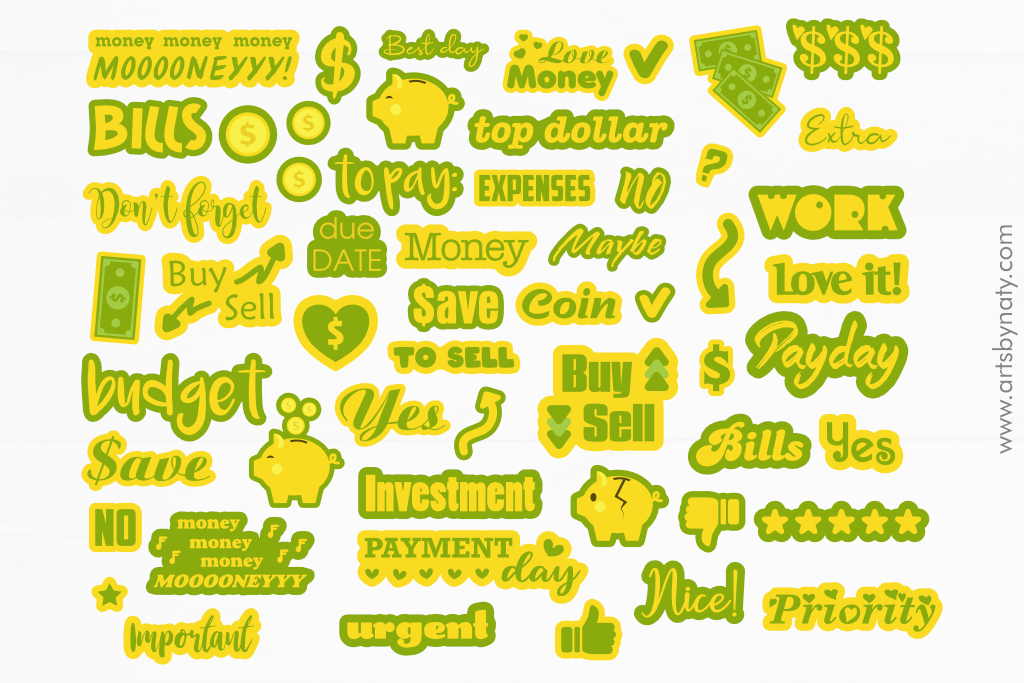
Artsbynaty includes PNG, PDF, SVG, EPS and DXF files in this money-and-payments collection. The artwork covers financial motifs such as coins, piggy banks and payday-related graphics, and the seller describes both printable and digital sticker use. The format range is useful for someone comfortable arranging their own stickers rather than using one fixed planner layout.
Select a few clear symbols for your routine and write the actual financial detail beside them. The listing describes one file in each format, so do not assume every design arrives as a separate precropped PNG. Vector files can help with preparation, but appropriate software is still needed. This is financial artwork for your existing planner, not a budget template with formulas, tracking fields or a complete monthly financial system.
5. Spending Full-Box Stickers in 100 Colors
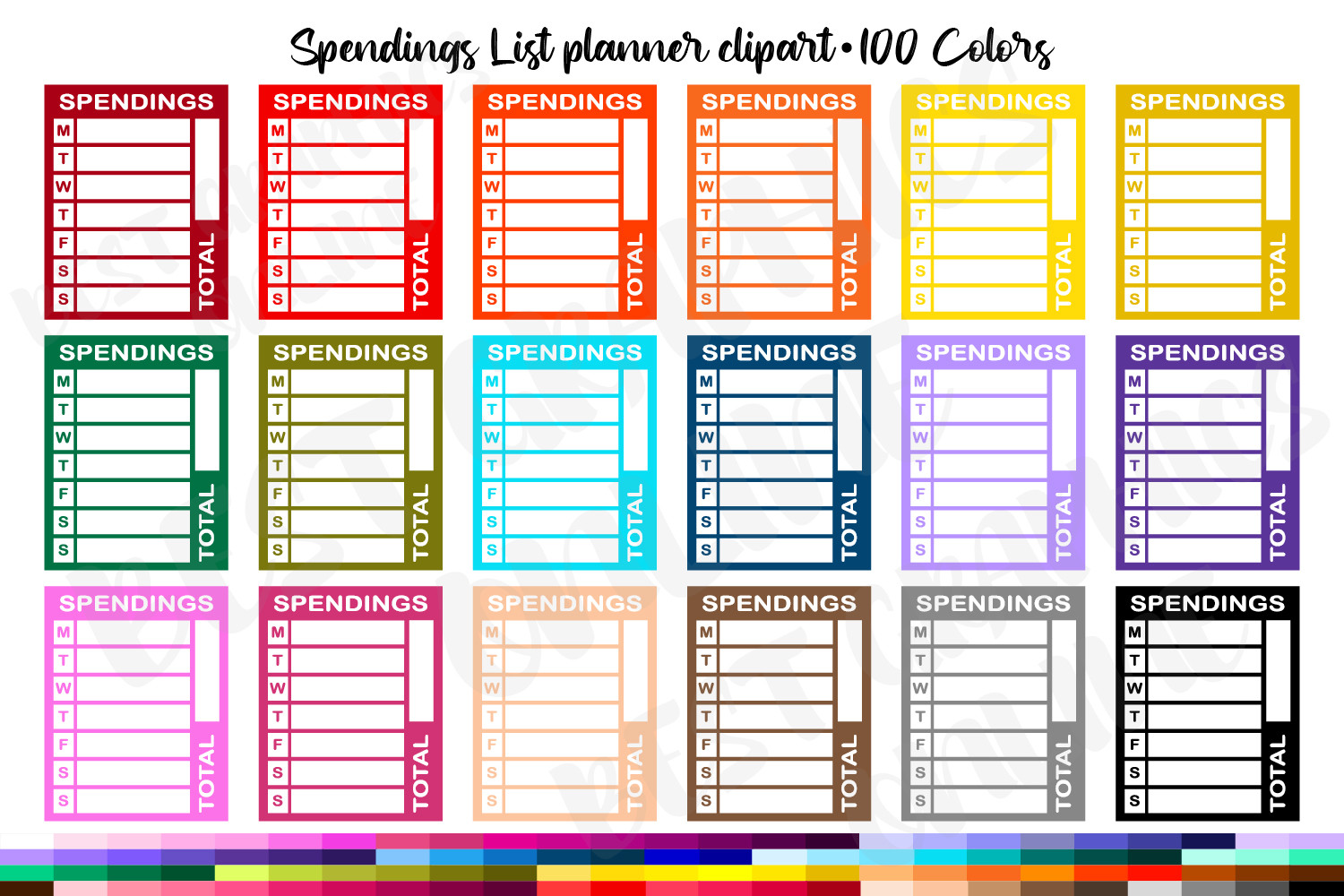
Best Graphics Online supplies individual transparent PNGs in 100 color versions, specified at 300 dpi and 1.5 × 1.9 inches. The full-box shape is useful for giving a spending record a visible place in a weekly spread. Separate PNGs also make it easier to arrange a custom printable sheet or add a box to an image-supporting digital planner.
Choose one color for each spending category you actually track and leave enough room to write clearly. The 100-color count reflects variations of the box design, not 100 different financial tools. Measure your planner columns before printing at the stated size. A native Goodnotes file and machine-specific cutting project are not listed. This works best as an adaptable spending-note element alongside a fuller budget routine.
6. Water Bill Reminder Stickers
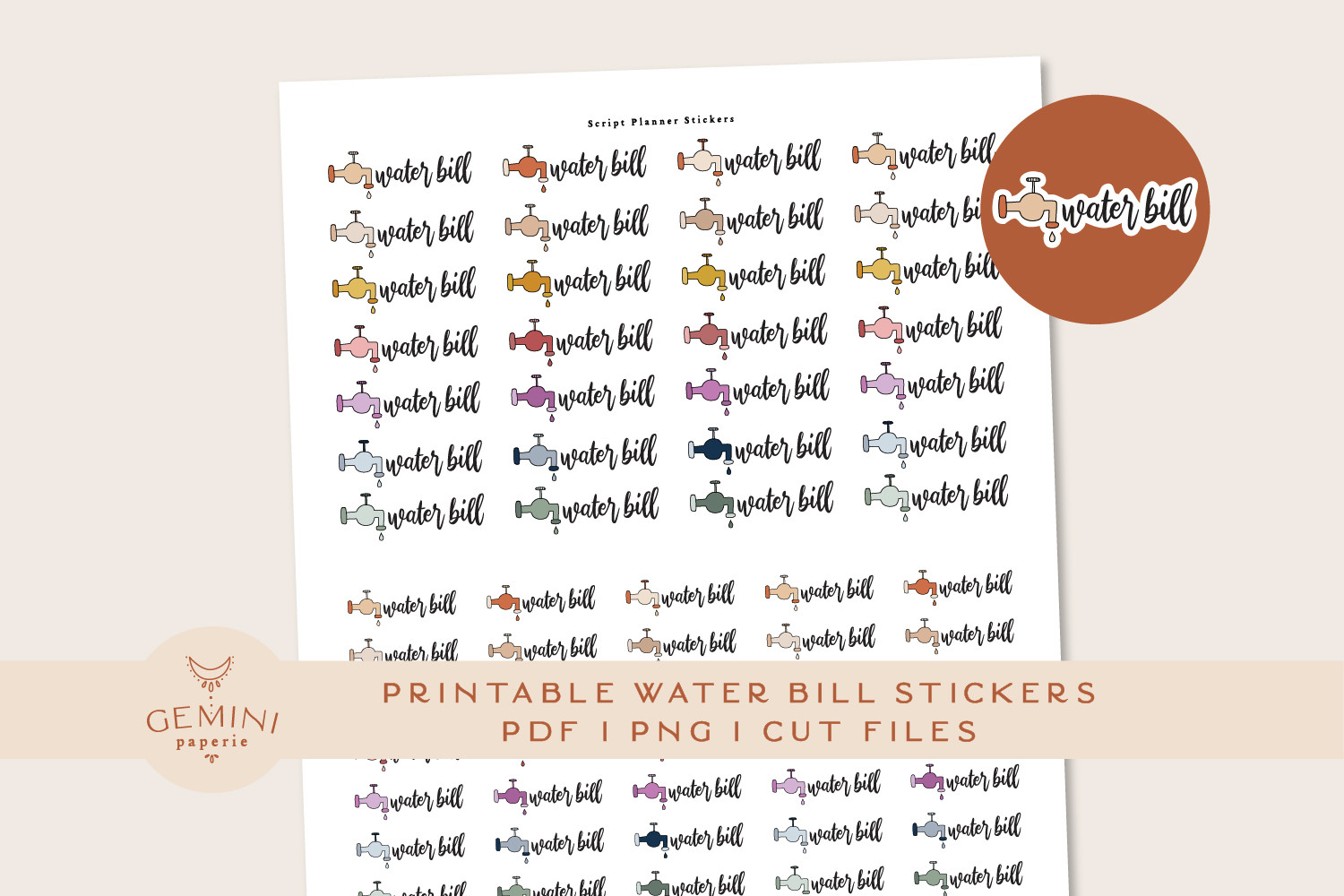
Geminipaperie supplies 80 water-bill stickers in 16 colors, with PNG files for Cricut and Silhouette workflows, a cutline PNG, an overview PDF and printing-and-cutting instructions. A dedicated bill reminder is useful when you want the same recurring payment to stand out clearly on each month’s calendar.
Place the reminder on the actual due date and write the amount or payment status beside it. The pack is specialized: its variety comes from repeated reminders in different colors, rather than 80 unrelated financial designs. It complements a broader budget kit but does not replace one. A native Goodnotes sticker book and individual cropped reminder files are not listed. Check the included preparation guide before printing or using a cutting machine.
7. Mortgage Payment Reminder Stickers
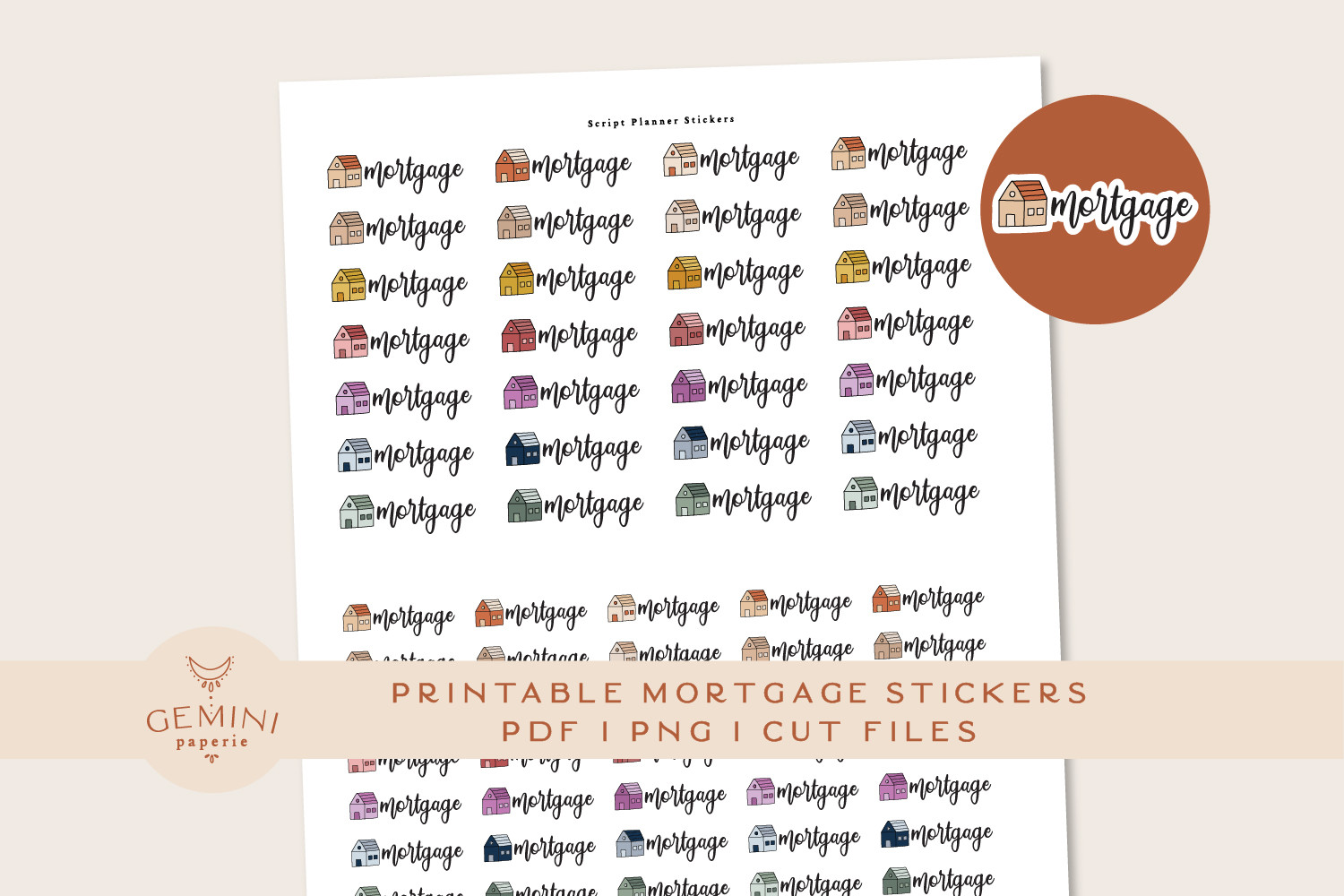
This geminipaperie pack includes 80 mortgage reminders in 16 colors. The documented files include PNGs for Cricut and Silhouette preparation, a PNG cutline, an overview PDF and a printing-and-cutting guide. It is useful for a household planner where one large recurring payment deserves a consistent visual marker every month.
Keep the due date and payment amount in your written records, with the sticker acting as a reminder to check them. The set serves a different payment purpose from the water-bill pack, although both use the same general workflow. There is no automatic payment tracking or calculation. Choose it if a dedicated mortgage label will help your routine; if you only need generic financial icons, a broader budget collection offers more varied uses.
8. Compact Budget Planner Sticker Sheet
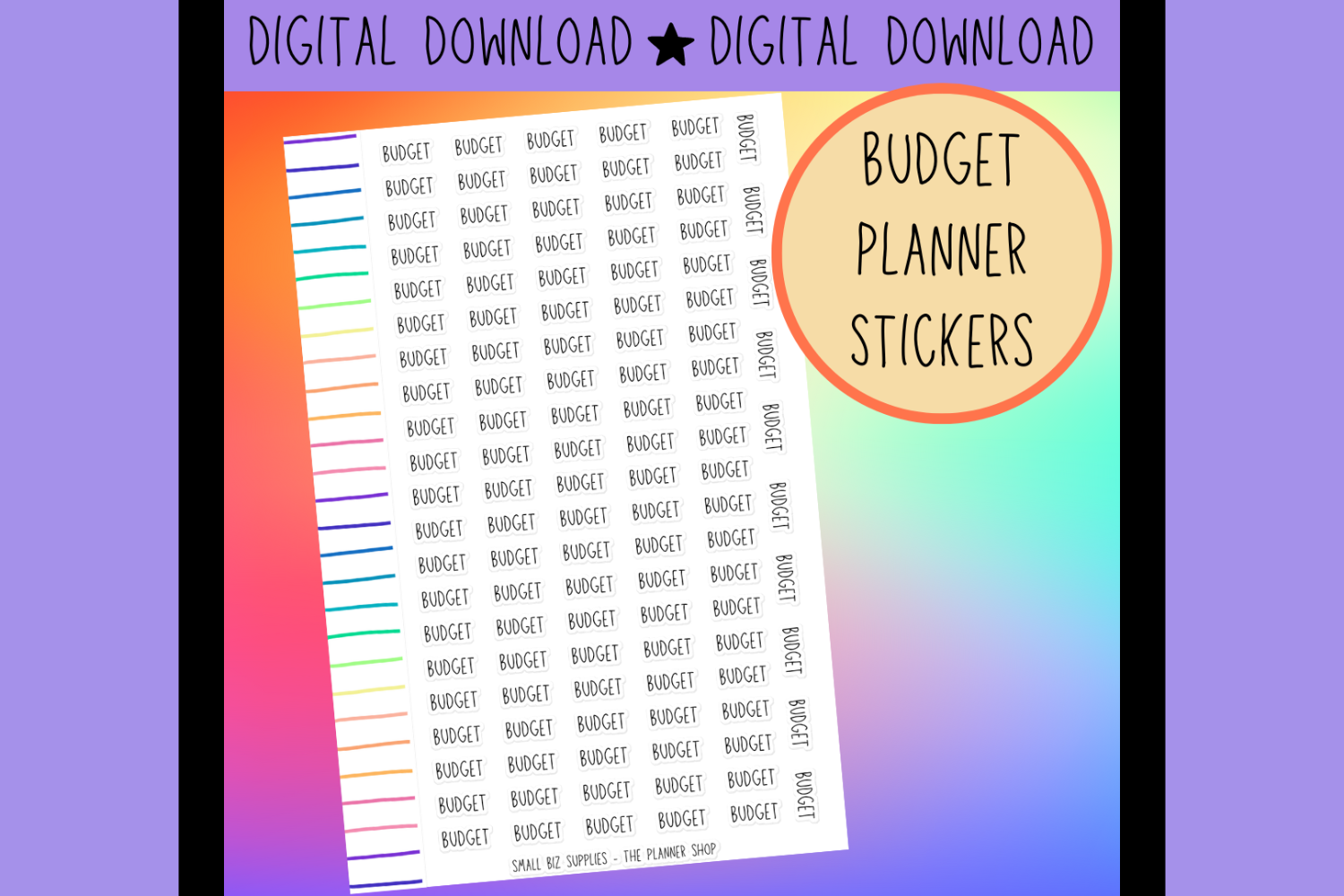
Georgia White lists a downloadable PNG sheet measuring 8.5 × 5.5 inches. The compact canvas is useful when you want to add a budget-themed accent sheet to an existing paper-planning routine without starting with a large multi-page kit. The listing is brief, so the preview is important for judging whether the actual sticker designs fit your needs.
Use a first print to check the scale against your budget pages, then select only the pieces you will use regularly. PDF files, individual precropped PNGs, exact resolution and machine cutting files are not specified. Tablet use would involve cropping from the sheet rather than importing a documented app collection. Choose this for a simple PNG sheet, and choose a more fully documented kit if you need detailed cutting instructions.
9. Pay Day Digital Planner Stickers

Youssef Artist describes a collection of 40 money-themed stickers, including piggy banks, coins, bills, shopping graphics and documents. It offers a decorative way to mark paydays and financial-review sessions in a digital planner. The creator states that AI is used in making the artwork, with designs reviewed before listing.
Use the graphics as visual cues beside a written amount, due date or note, rather than as a substitute for your actual budget records. The listing does not specify the delivered file formats, whether the stickers are precropped, or a native Goodnotes file. Check those details before choosing this pack for a particular app. It is most useful when you value the money-themed illustrations and are willing to confirm the technical download details with the seller.
Choosing Budget Planner Stickers for Your Routine
For regular printing, the finance-and-business pack provides both A4 and Letter PDFs with ink-saver versions. The Erin Condren kit offers defined box measurements and cutting assets. For a tablet budget, the Tas Creative Studio collection lists cropped and sheet versions, while dedicated water-bill and mortgage labels suit a more focused reminder workflow.
Keep decoration separate from calculation. Write the payment amount, due date and status in your records, then use a sticker as a consistent cue. A single repeated reminder can be more useful than a page full of unrelated money illustrations.
Choose budget planner stickers according to the financial routine you will actually maintain. Test print sizes, confirm any unspecified download details and add one or two useful elements before building a full monthly spread.


One Comment