16 Snowflake Stickers and PNG Sets for Creative Winter Planner Pages
Snowflake stickers can add a small seasonal accent without turning every planner box into a holiday illustration. This collection brings together prepared sticker sheets, separate transparent PNG artwork and vector snowflake resources you can turn into your own designs. The reviews identify which format the seller actually supplies so you can choose the amount of setup you want.
Coordinate the snowflakes with a winter planner sticker collection, add narrow borders from winter washi tape resources or reserve them for the monthly openings of a winter journal. Start with one color family and repeat only a few motifs so dates, appointments and handwritten notes remain easy to read.
In this guide
Choose snowflake stickers by file type and preparation
A printable sheet already arranges the artwork on a page. An individual PNG gives you a separate image to resize and position, while an SVG is a vector shape you can scale or edit in compatible software. A PNG with transparency is not a supplied cutting path, and a sheet uploaded into a notes app does not automatically become a collection of individually cropped stickers.
The resources below range from one snowflake to collections of 150 designs. Match that scale to your project rather than assuming a larger download will be easier. For a short planner spread, a prepared sheet or a small set can reduce time spent sorting files. For repeated seasonal layouts, separate transparent images give you more freedom to arrange the same motifs differently.
1. Fifteen Silver Snowflakes with Prepared Sticker Sheets
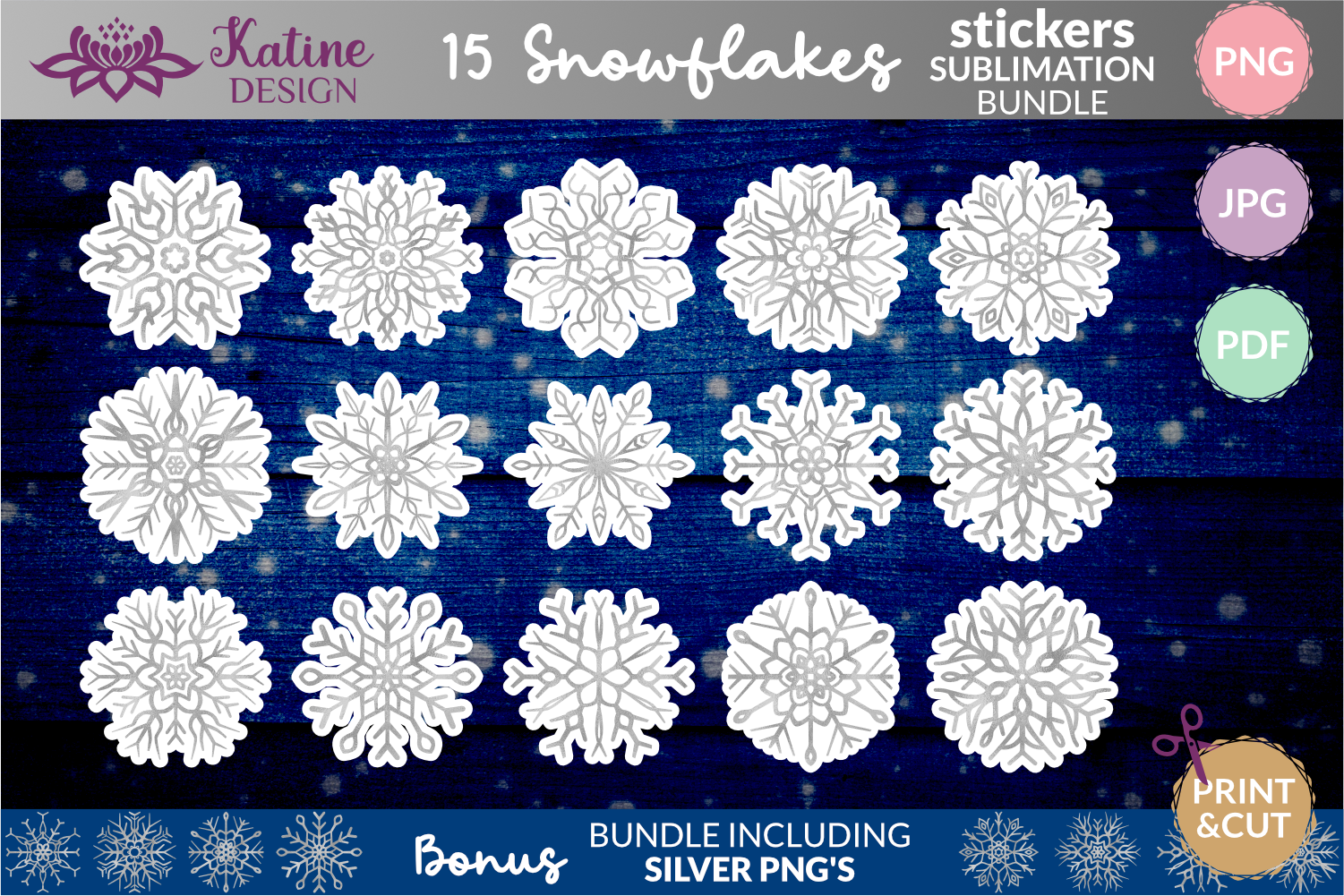
Katine Design provides one of the clearest sticker-focused packages in this collection. The itemized files include 15 transparent PNGs with white borders, 15 without borders and one Letter-size sheet each in JPG and PDF. The separate images are listed at 1500 × 1500 pixels and 300 dpi. The sheet includes black cutting lines for a hand-cutting route.
Use the bordered version when you want a clear sticker edge and the borderless artwork when layering it into a digital page. Although the introductory wording mentions SVG, the detailed 32-file inventory lists PNG, JPG and PDF, so those are the confirmed formats. The seller describes machine recognition of the white borders, but you should still test the actual size and cutting settings in your own workflow.
2. Pastel Winter Planner Boxes and Decorative Sheets
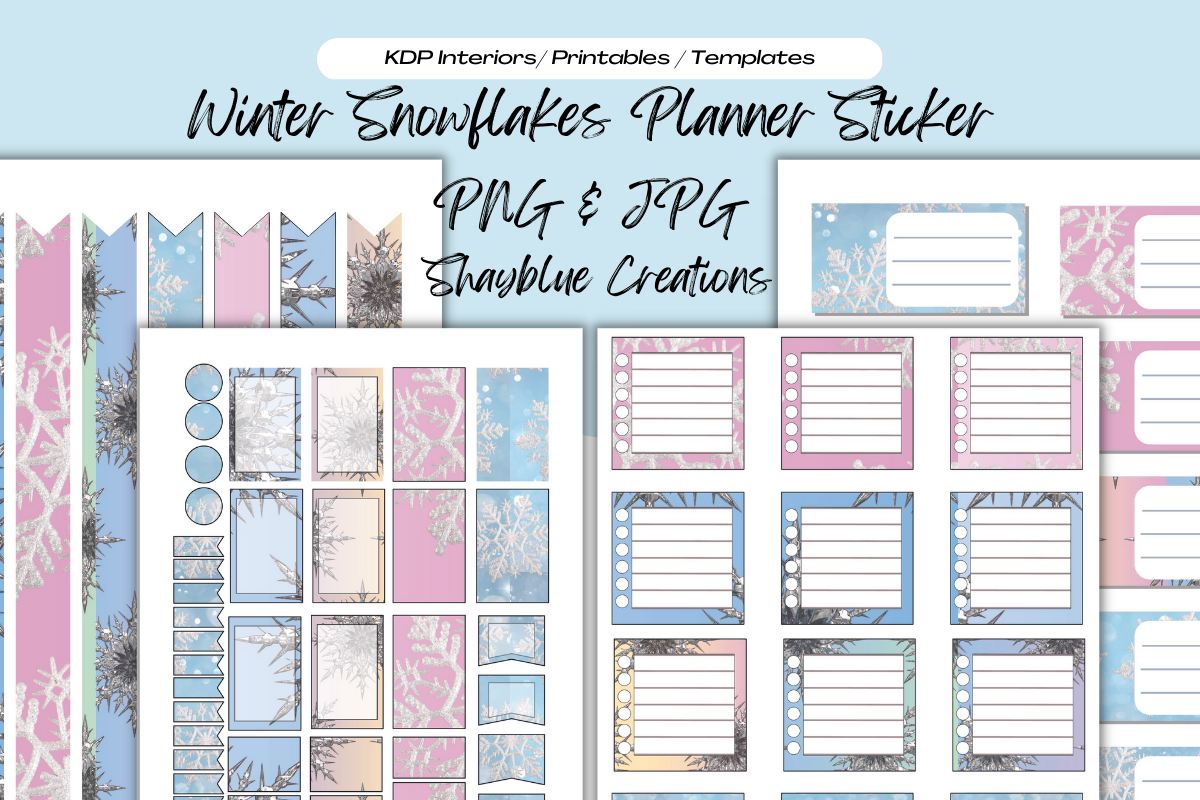
Blue creations combines snowflake decoration with planner-shaped elements rather than offering only isolated flakes. The preview shows pastel flags, circles, rectangular boxes and lined areas in blue and pink. The listing supplies PNG sheets with transparent backgrounds and JPG sheets, stated at 8.5 × 11 inches and 300 dpi. It also describes printing, cutting or uploading the sheets to a digital planner.
This is a useful choice when you want decorative accents and writing boxes to share the same palette. Check the final box width against your planner columns before printing; a Letter-size sheet does not guarantee a particular planner brand’s dimensions. For digital use, the delivered sheet still needs cropping or arrangement unless the actual download includes separate elements beyond the formats described.
3. One Mint Snowflake in Six Listed Formats

Bhaart.studio’s preview centers a simple mint-colored snowflake with a contrasting sticker-style edge. The listing names AI, EPS, SVG, JPG, PNG and DXF formats and states a 1920 × 1280-pixel canvas. It is a focused single motif rather than a coordinated planner kit, which makes it easier to repeat the same accent on several pages.
Choose this option when you want a bolder shape that can remain recognizable at a small size. The vector formats give compatible software a route for resizing or adapting the design, while the raster formats offer a simpler image workflow. The description does not explicitly confirm the PNG background or separate color variants, so inspect the files before planning transparent layering or a full palette change.
4. Five White Snowflakes as Transparent PNGs and SVGs
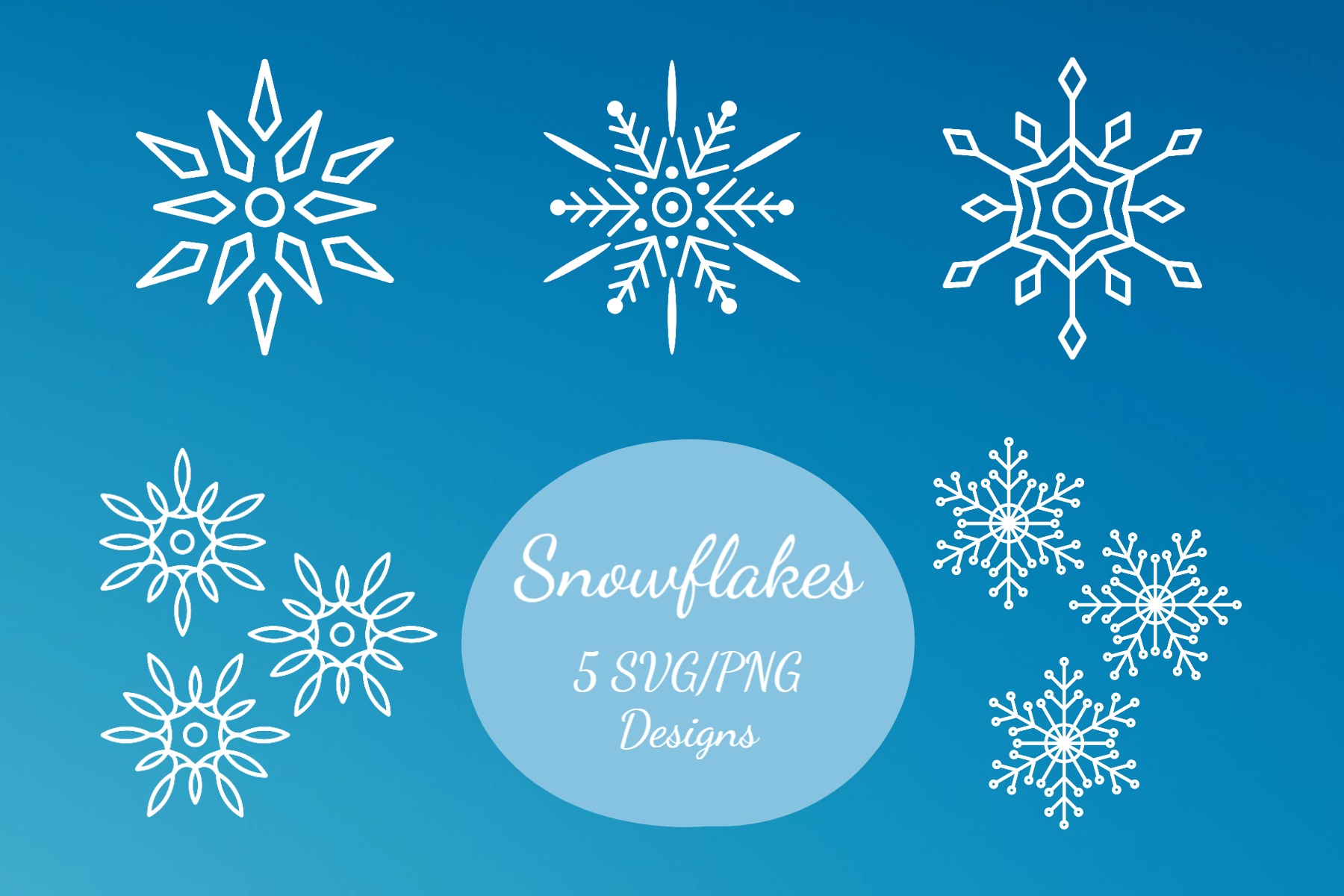
Vivid Visions lists five high-resolution PNGs with transparent backgrounds and five scalable SVG files. The preview shows a small coordinated group of white line-style snowflakes, including both angular and rounded forms. This gives you a manageable set for repeating decorative corners or building a restrained divider without browsing through a very large bundle.
The SVGs are the more flexible route when you need to change scale or adapt the artwork in vector software. For printed stickers, decide what will make the white shapes visible: a colored background, contrasting paper or another intentional treatment. Transparent PNG files alone do not make a white design show up on white stock, and the listing does not describe a ready-made sticker sheet or cutting setup.
5. Eight Blue Watercolor Snowflakes for Small Coordinated Sets
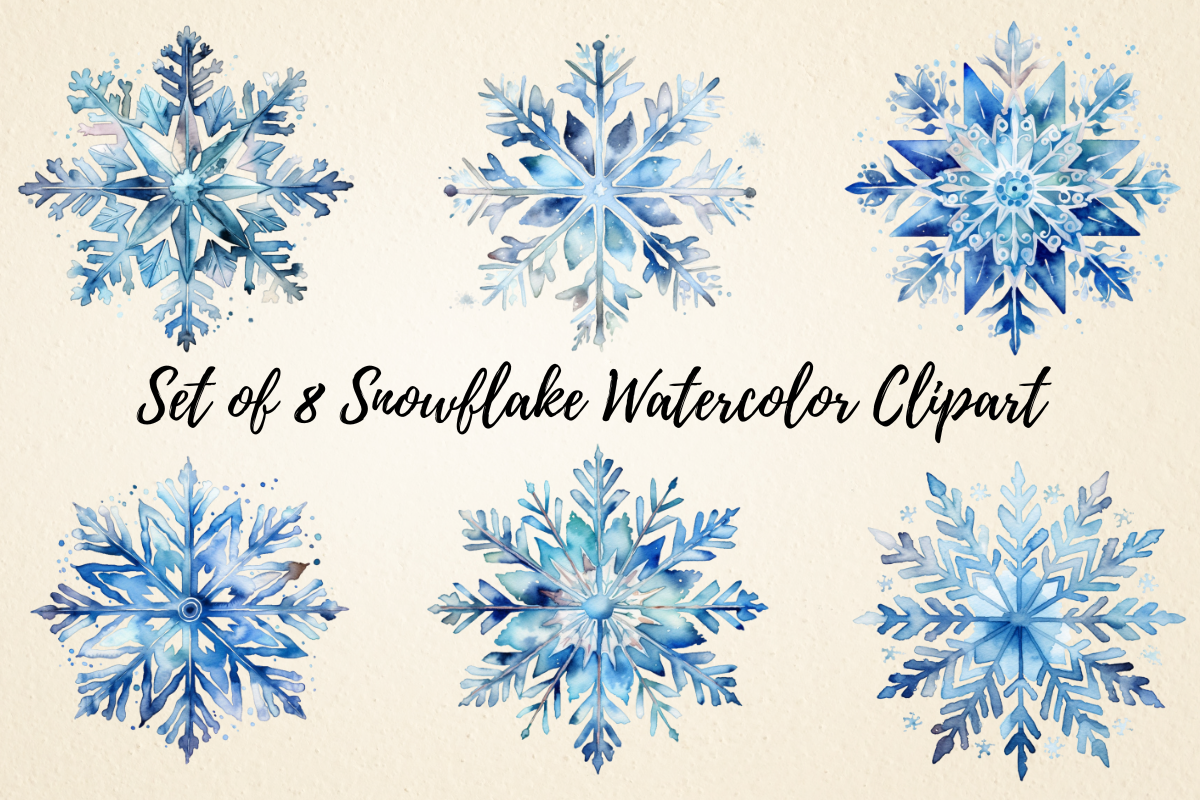
Pcudesigns supplies eight PNG images with transparent backgrounds, each stated at 3000 × 3000 pixels. The preview shows a cool blue collection with layered crystalline branches and soft painted detail. This is a compact artwork set, not a prearranged sticker page, and the seller specifically includes planners and stickers among the suggested uses.
Eight motifs are enough to alternate accents across a short winter journal section without repeating the same flake on every page. Place each PNG at the intended size before printing because the delicate edge detail may need more room than a simple solid shape. You will arrange the sheet or digital layout yourself; no SVG, cutting path or planner-app sticker book is confirmed in the description.
6. Eleven Icy Watercolor Illustrations with Large PNG Files
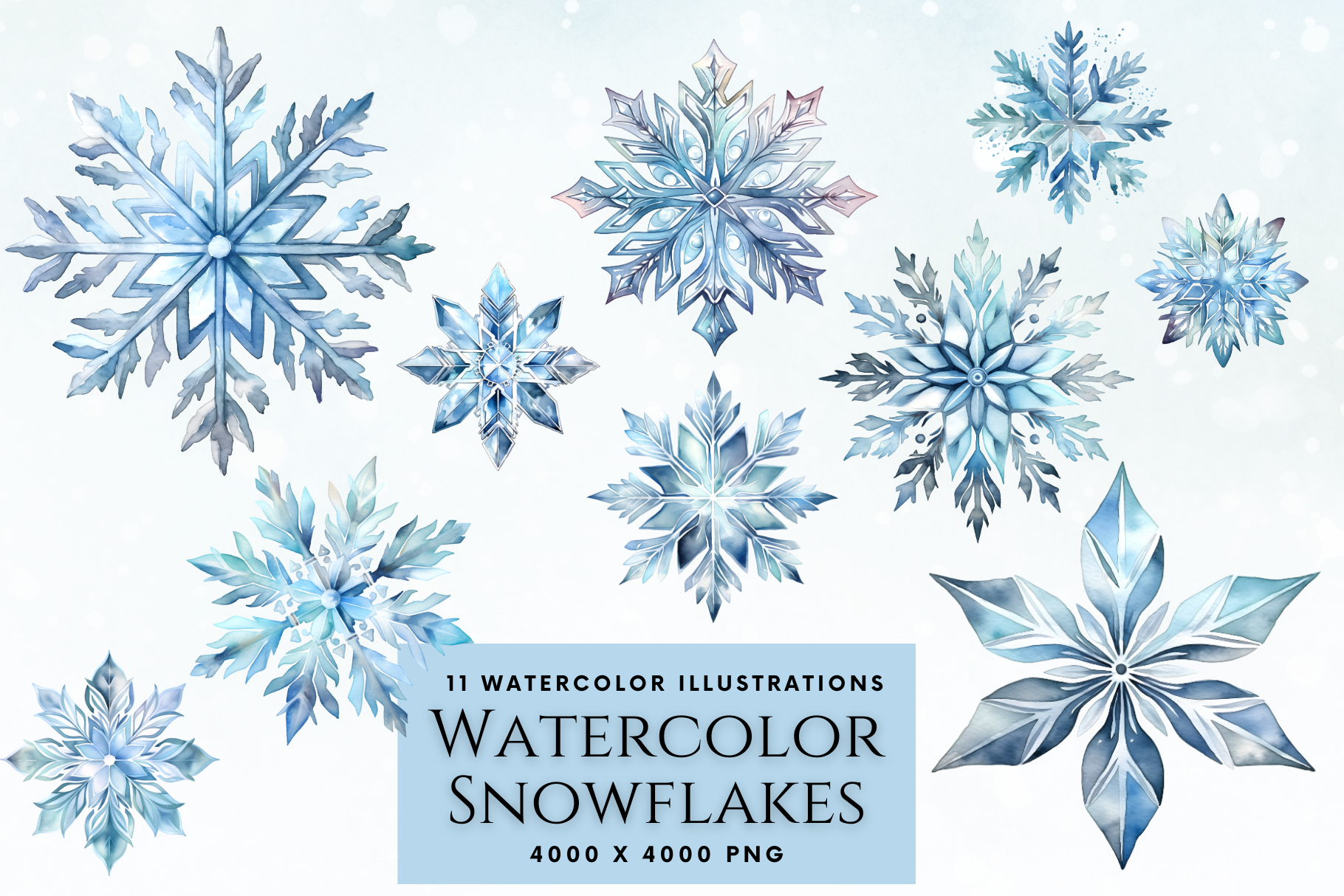
Enchanted Marketing Imagery lists 11 transparent PNG snowflakes at 4000 × 4000 pixels and 300 dpi. The preview favors pale icy blues and crystal-like branching, giving the group a quieter look than bold graphic snowflakes. The seller describes Canva compatibility, which makes the separate images a useful starting point for arranging a personal winter stationery page.
This collection suits larger corner embellishments or a repeated motif beside a month heading. The supplied pixel dimensions give you room to reduce the images, but a large source does not ensure tiny printed branches will remain clear. Try one pale flake on the background color you intend to use, then keep the image away from dense handwriting or small calendar numbers.
7. Forty-Seven Pastel PNGs for Gentle Winter Color
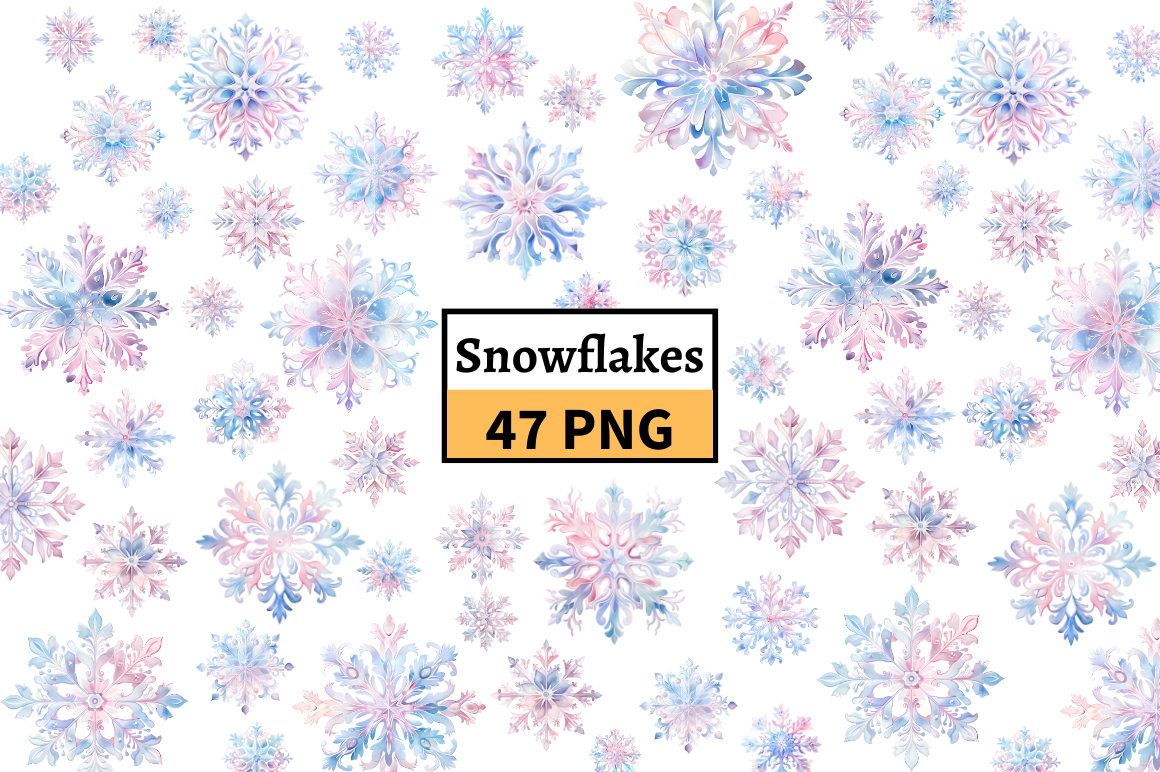
MashMashStickers offers 47 transparent PNG cliparts in this pastel snowflake collection. The preview mixes pale pink, lilac and blue details across many delicate shapes, making it a softer alternative to a strictly icy blue palette. The written description confirms the PNG format and transparency but does not give a specific pixel size for each file.
Use a small selection of related motifs to keep the page coordinated instead of trying to feature all 47 at once. These are images to arrange yourself rather than supplied sticker sheets or cutting files. Before printing a pale design, check both its actual downloaded dimensions and the contrast on your chosen paper; pastel detail can be much subtler on a small physical sticker than on a large screen preview.
8. Forty Crystal-Inspired PNGs in Deeper Winter Tones
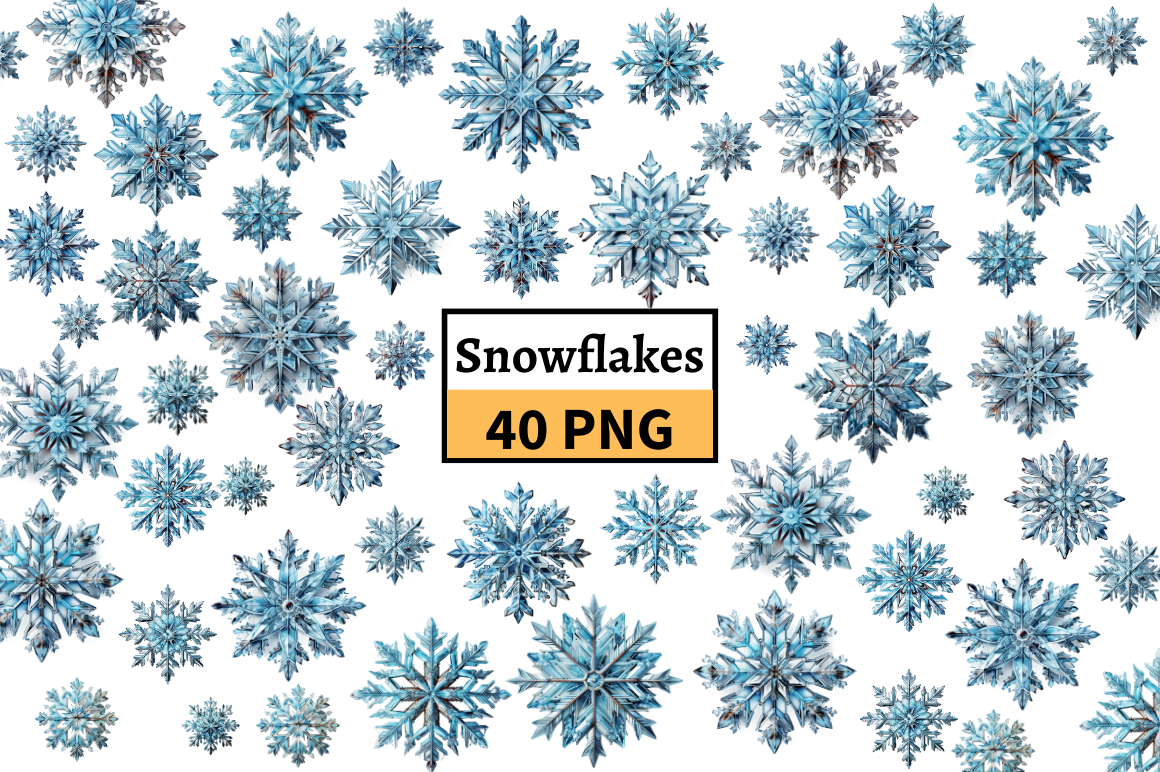
This separate MashMashStickers collection lists 40 transparent PNG cliparts. Compared with the pastel set, the preview places more emphasis on blue-green and darker crystalline forms, with intricate branching and layered watercolor textures. It is a coordinated image library for arranging your own winter pages, rather than a supplied page of cut-ready planner stickers.
Choose it when your planner already uses deeper blues or you want the decoration to contrast with cream paper. The description does not specify per-file pixel dimensions, so inspect the downloaded artwork before choosing an unusually large print size. For small accents, test a few less intricate shapes first and leave the most detailed flakes for headings or wider journal margins.
9. A Blue Collection with Twenty Transparent PNGs Listed
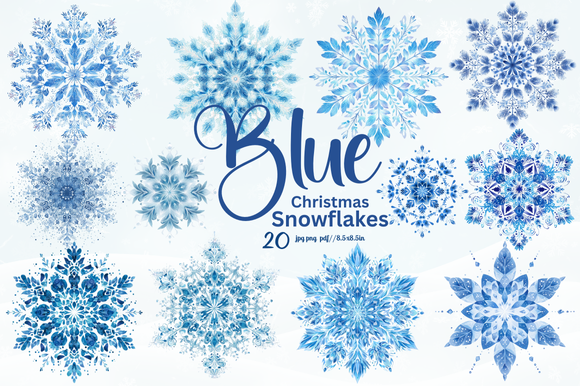
Aftab Store’s blue collection lists 20 transparent PNG files and also mentions JPG, PNG and PDF formats at 8.5 × 8.5 inches. The preview shows ornate blue snowflakes with a mix of airy branches and denser centers. Because the description also says “20+” images, use the explicit 20-PNG statement as the clearer count rather than assuming a larger number of unique designs.
This resource is better treated as artwork for building a sticker layout than as an already arranged sticker pack. Pick a few flakes with similar visual weight and leave generous space around the edges. The listing’s format wording does not establish that every image appears in every format, so check the archive if a printable PDF or separate JPGs are essential to your workflow.
10. Red Star-Shaped Snowflakes for a Warmer Holiday Palette
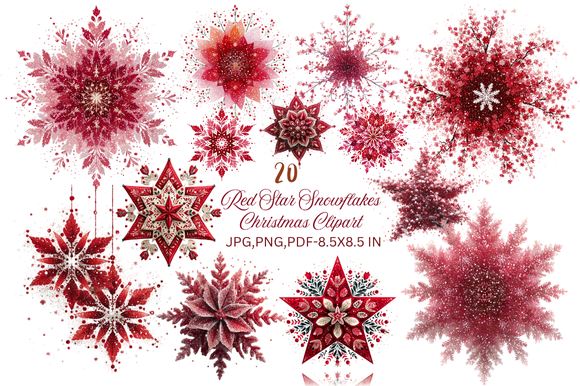
Aftab Store changes the color story with red, star-like snowflakes and decorative splashes. The listing states 20 transparent PNG files, mentions JPG and PDF alongside PNG, and gives an 8.5 × 8.5-inch size. The preview reads as a stronger holiday accent than the pale blue collections, especially against a mostly neutral planner page.
These busy silhouettes work best where there is enough margin to separate them from written tasks. They are source illustrations to arrange, not a confirmed sheet with cut lines. As with the blue collection, the seller also uses “20+” wording, so verify the archive rather than treating that phrase as a precise design count or assuming each listed format contains a complete duplicate set.
11. One Hundred Snowflake Shapes with SVG and PNG Versions
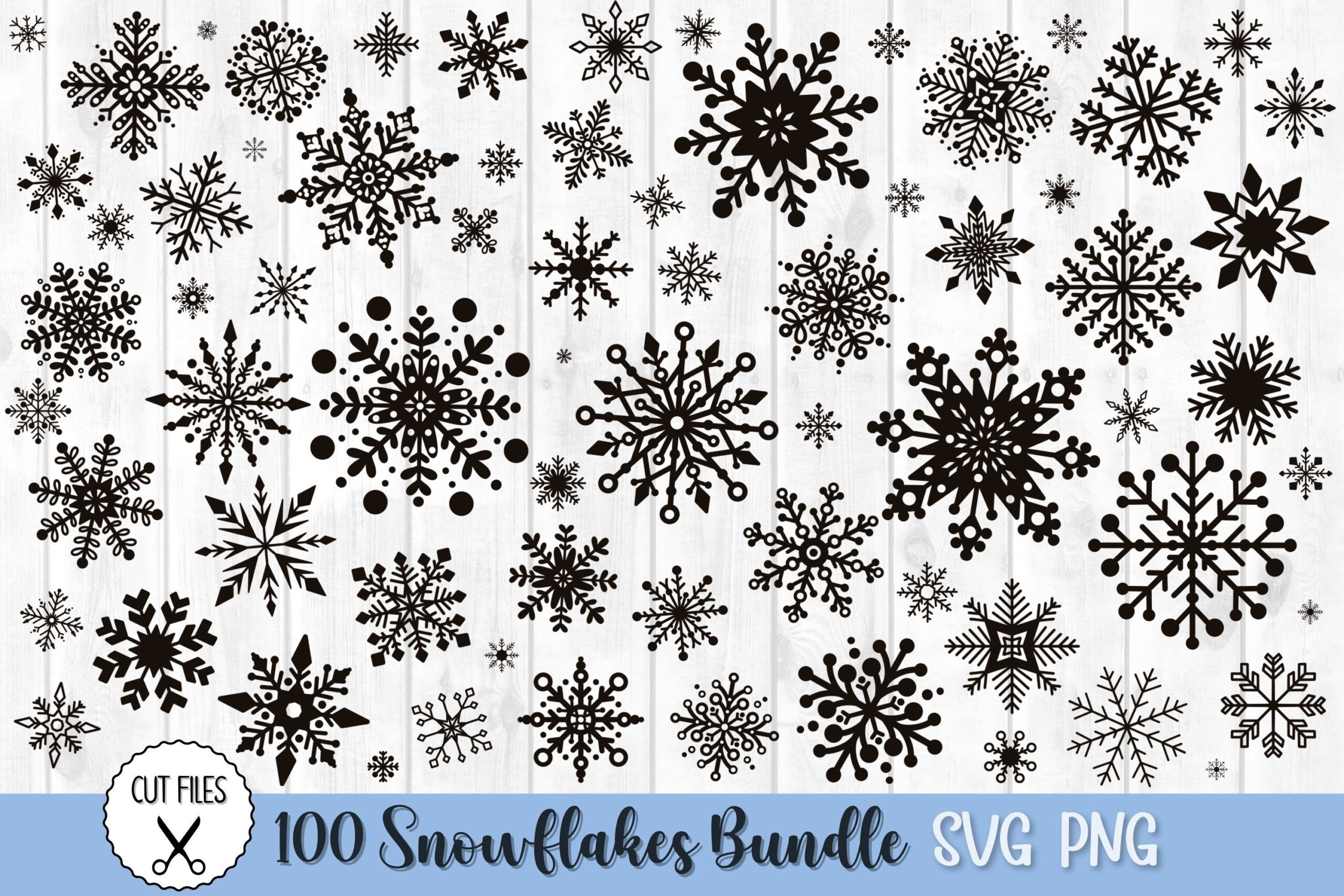
DreanArtDesign lists 100 SVG and 100 PNG files, for 200 files representing the snowflake collection. The PNGs are described as transparent and 300 dpi. The preview shows a wide range of graphic silhouettes, from simple open forms to dense decorative branching. This is a useful design library when you want to choose different shapes while maintaining a single-color look.
The vector files offer a route for scaling or adapting shapes in compatible software, and the PNGs can be arranged as images in a planner layout. Count the collection as 100 designs with two listed file types rather than 200 distinct snowflakes. Intricate SVGs may need simplifying or enlarging for small physical cuts, so choose a representative sample before laying out a full sticker sheet.
12. Six Blue Snowflake Designs with Broad Format Support
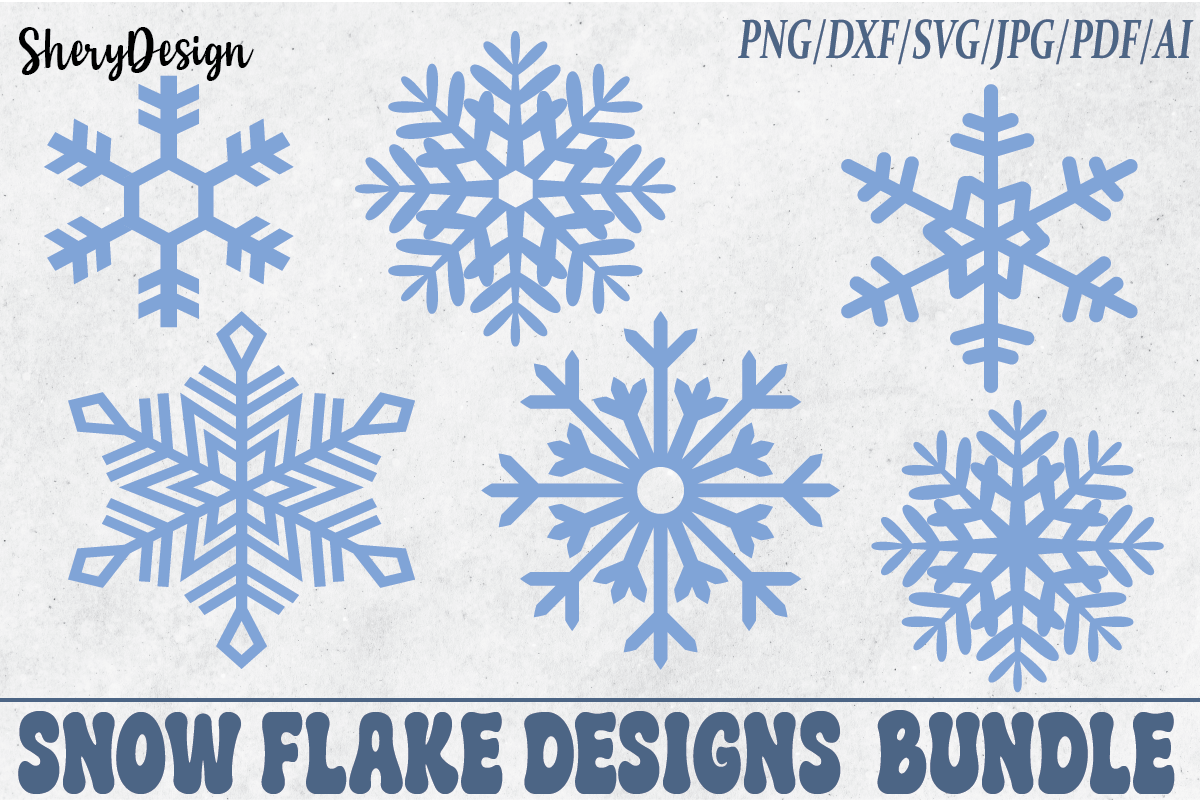
SheryDesign lists six files each in PNG, JPG, SVG, PDF, DXF and AI formats. The preview shows six pale blue snowflake shapes with different branching styles, giving you a modest coordinated group instead of an extensive library. The description mentions solid-color or distressed-effect PNGs and 300 dpi, although it does not give exact pixel dimensions for the images.
Choose this set if the software format matters as much as the artwork. SVG or AI can be useful for editing, while the PNGs provide an image-based option for digital pages. Do not interpret the repeated six-file counts as a promise of six entirely different collections. Check the actual files and the smallest branches before preparing stickers at a size much smaller than the preview.
13. A 150-Design Library with Three File Types
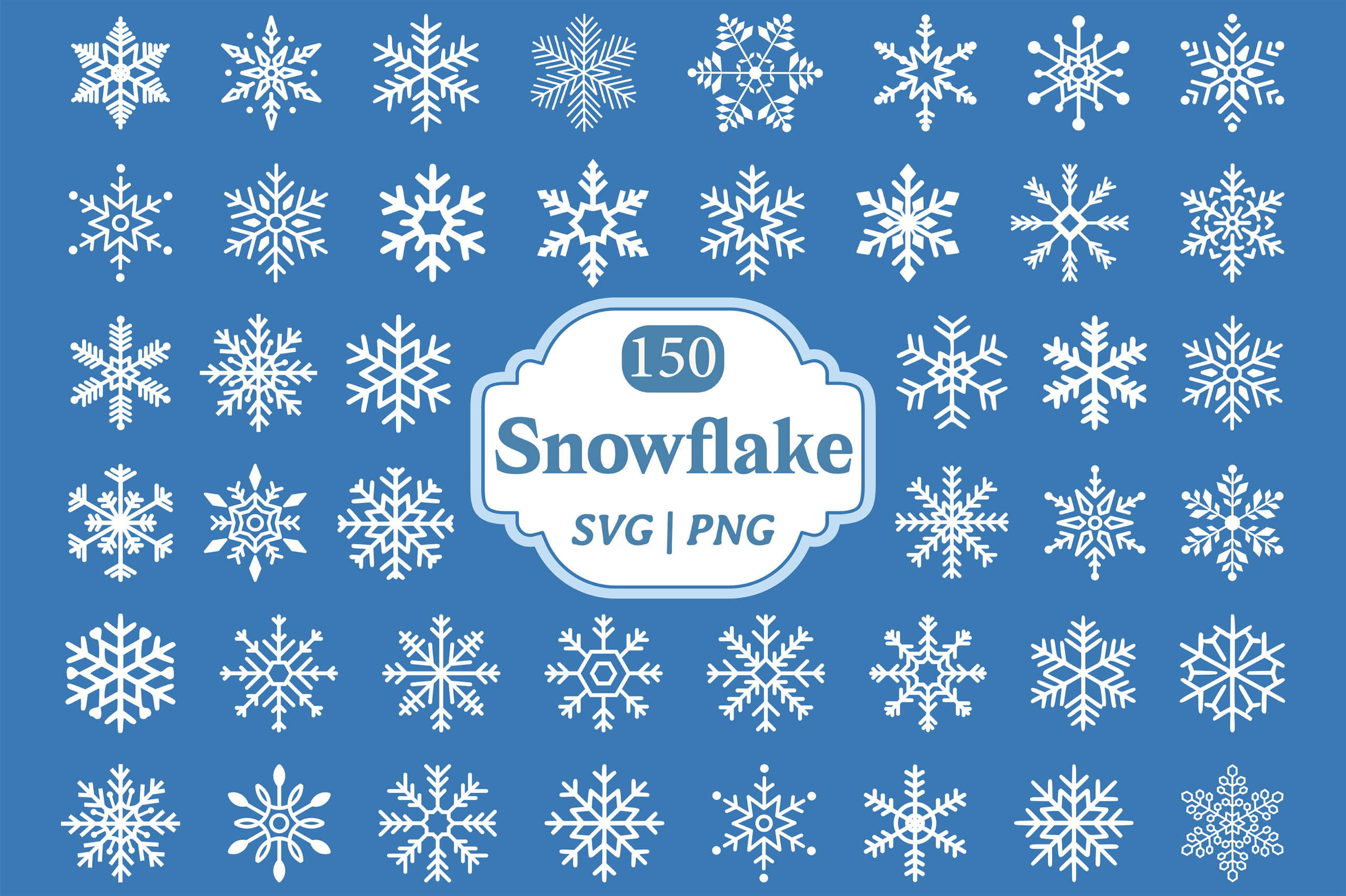
Kusumaillustration supplies the largest stated shape collection here: 150 SVGs, 150 transparent PNGs and 150 JPGs. The preview displays a broad range of classic, geometric and decorative snowflakes on a blue background. PNG and JPG output is listed at 300 dpi, while the SVGs are described as scalable and editable in compatible vector software.
This is most useful when you want a reusable seasonal library and are prepared to sort the files. Start by making a small favorites folder rather than importing hundreds of images into a planner at once. The JPGs will not offer the same transparent layering as the PNGs, and a large file collection is not a ready-made sticker sheet. Arrange the selected shapes at your intended print or digital size.
14. A Rounded White Snowflake as a Single PNG
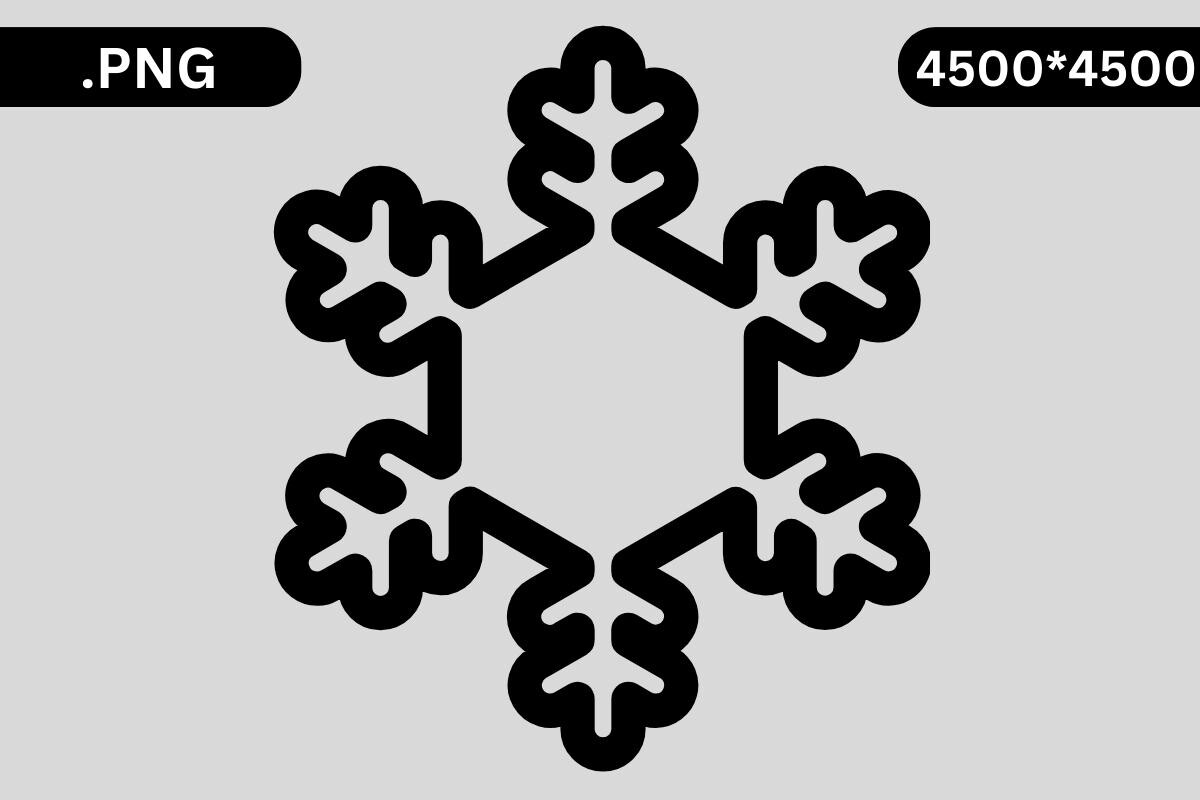
NyDesign’s first single-image option has broad rounded branches and a bold white silhouette in the preview. The written listing supplies one transparent PNG and explicitly states that no cutting files are included. Its description gives 4500 × 5400 pixels, while the preview labels the artwork 4500 × 4500; that dimension mismatch should be checked in the downloaded file.
The simpler rounded form is a useful contrast to the delicate watercolor collections when you want one repeated accent. For digital pages, position it over a background that makes the white artwork visible. For printed stickers, plan the backing color and any outline yourself. The preview’s black surround is presentation context, not a reliable description of the transparent file’s final background.
15. A Branched White Snowflake with Teardrop Details
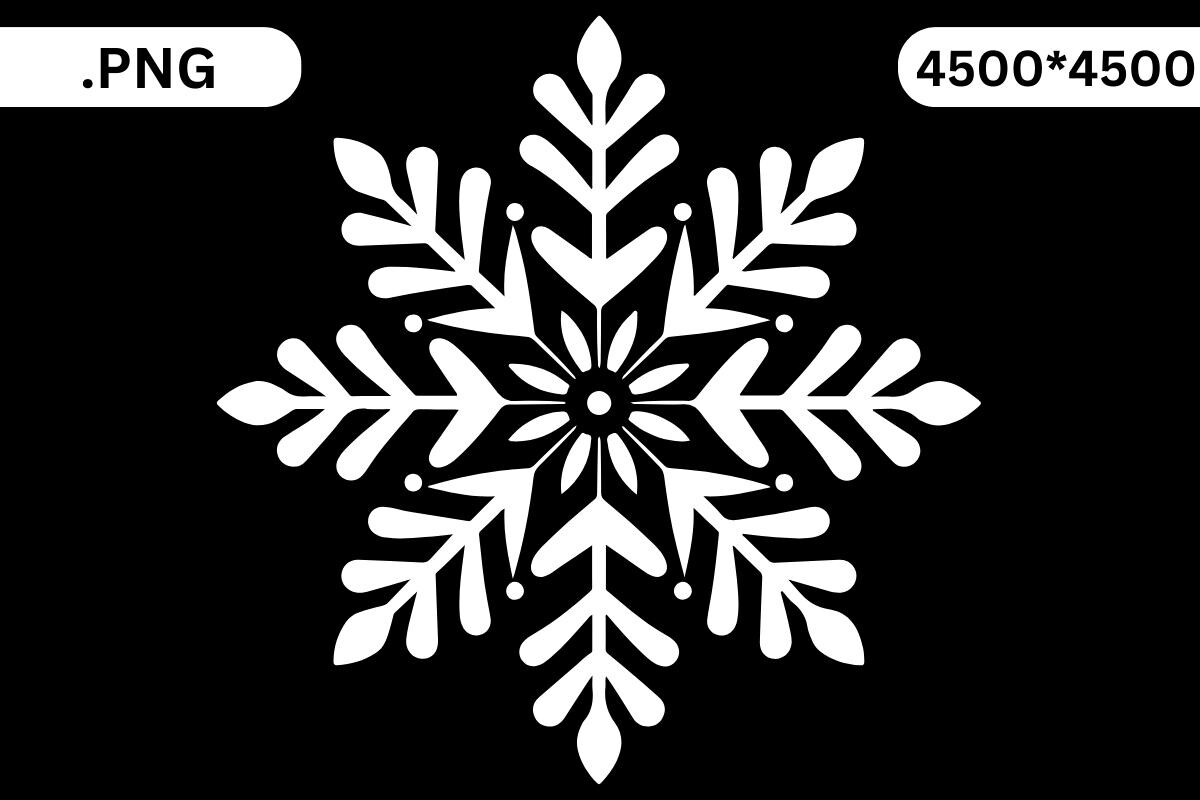
This second NyDesign listing shows a more ornate white snowflake with fine branches and small teardrop details. It confirms one transparent PNG and no cutting files. The same size discrepancy appears here: the product text states 4500 × 5400 pixels, while the preview displays 4500 × 4500. Inspect the file rather than relying on either number as verified artwork dimensions.
Choose this shape for a larger divider or a dark digital journal page where its finer branches have room to show. It offers a different silhouette from the rounded option, but it is still a single raster image rather than an editable SVG. If you make a physical sticker, keep enough surrounding space to cut the shape cleanly and test how the white details will appear on your chosen material.
16. Twenty-Five Decorative Flakes with Pastel and Folk Details
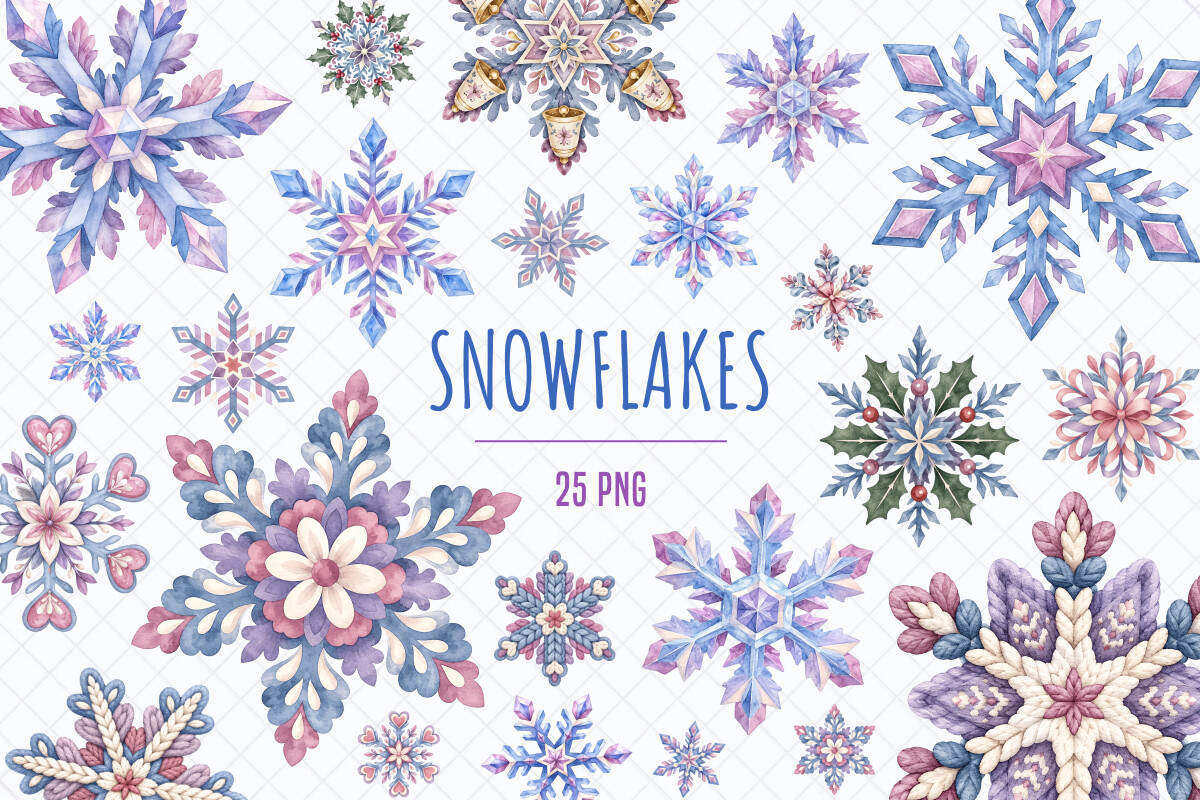
TanyaPrintDesign lists 25 individual transparent PNG illustrations at approximately 4500 × 4500 pixels each. The description combines crystal-inspired forms with folk-style details, knitted textures, florals, hearts, bows and holiday accents. Dusty blue, lavender, blush and muted purple make this a more decorative interpretation of a snowflake than the simple white shape sets.
Use it when the snowflake itself should be the main embellishment near a journal heading or memory page. The stated archive size is approximately 160 MB, so allow time and space for the download before importing selected files. These are separate illustrations to arrange yourself; the listing does not establish prepared sticker sheets, cut lines or a dedicated planner-app sticker book.
Test delicate snowflakes before printing a full sheet
Resize a sample to the width you actually want to use in a planner. Thin branches, pale watercolor details and tiny gaps may become hard to see at sticker scale. Leave space around intricate outlines if you intend to cut by hand, and test your cutting workflow on a small sample before using a full sheet of sticker paper.
White artwork needs particular care. Most ordinary home printers leave white areas unprinted, so a white snowflake may disappear on white paper or look different on transparent stock. Place it on an intentional colored backing when appropriate and proof the result. Preview backgrounds and product mockups are not themselves evidence of the downloaded file’s transparency.
Keep digital planner decorations easy to reuse
For a digital page, import an individual PNG where available, resize it once and duplicate that version when you need a consistent accent. Keep the original files in a clearly named folder so you can distinguish a large preview image from the actual transparent artwork. Crop a sheet carefully if separate files are not supplied.
For paper planning, save your arranged print sheet separately from the original files and note the intended paper size. Avoid placing detailed snowflakes behind small handwriting areas. A few repeated corners or divider accents can establish a winter theme while leaving the functional part of the planner clear.