8 Christmas Gift Certificates for Personal and Small Business Gifts
Christmas gift certificates make an experience, a service or a handmade promise feel like a present you can actually wrap. A useful card needs more than a festive border: it should explain who receives it, what it covers and how to redeem it. These eight templates cover browser editing, familiar office software and more flexible design files, with room for both personal gifts and small business offers.
Start with your Christmas gift planner to decide what each certificate promises, then add printing supplies to your Christmas shopping list. A matching note from our Christmas thank you cards guide can finish the presentation. The selections below include overtly festive designs and neutral cards you can adapt; none requires keeping an obsolete holiday year.
In this guide
Choose Christmas gift certificates by editing format
Canva templates suit quick text changes in a browser, while Word is convenient when you already work with office documents. Photoshop and Illustrator files offer more control but require compatible software and some design confidence. Check the delivery format before choosing: a product mockup does not establish which source files, fonts or photographs are included.
Decide whether you are giving a specific experience, a fixed value or a discount. Those promises need different wording. Keep the recipient, issuer, redemption instructions and any conditions readable, and leave space to complete the card by hand if that is your plan. A decorative greeting card is not automatically a voucher with editable value fields.
1. Red Snowflake Certificate for Word and Photoshop
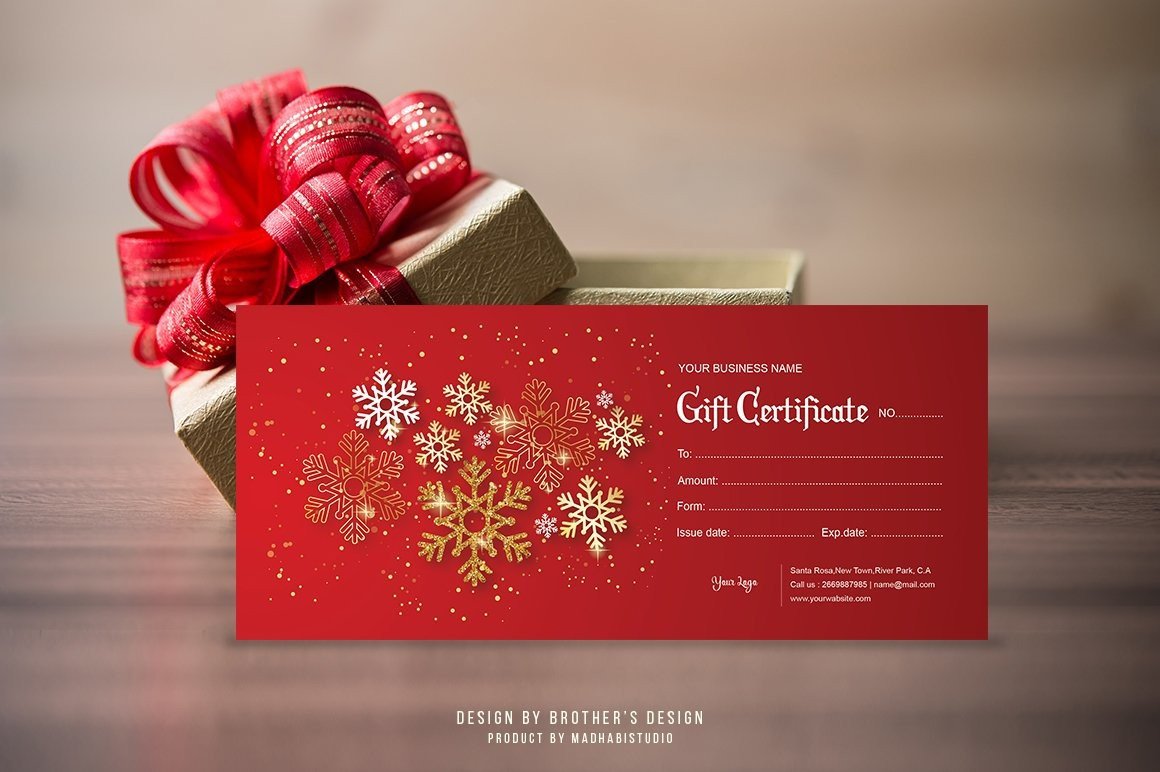
MadhabiStudio’s red certificate uses a snowflake border to make the holiday theme clear while leaving the central information organized in familiar form rows. The listed 9 × 4-inch format is a useful choice for an envelope presentation or a service voucher that needs more writing room than a small gift tag. It includes Word and Photoshop editing routes, so you can choose the program you already know.
The editing limits differ between those versions: the seller describes editable text, fonts and colors in Word, but a fixed background; Photoshop allows background changes as well. The print specification includes 300 DPI, CMYK and a quarter-inch bleed. Software compatibility references to older Word and Photoshop releases describe application versions, not an expired holiday date. Mockup photographs are not part of the promised template files.
2. Striped Christmas Certificate with a Clear Writing Panel
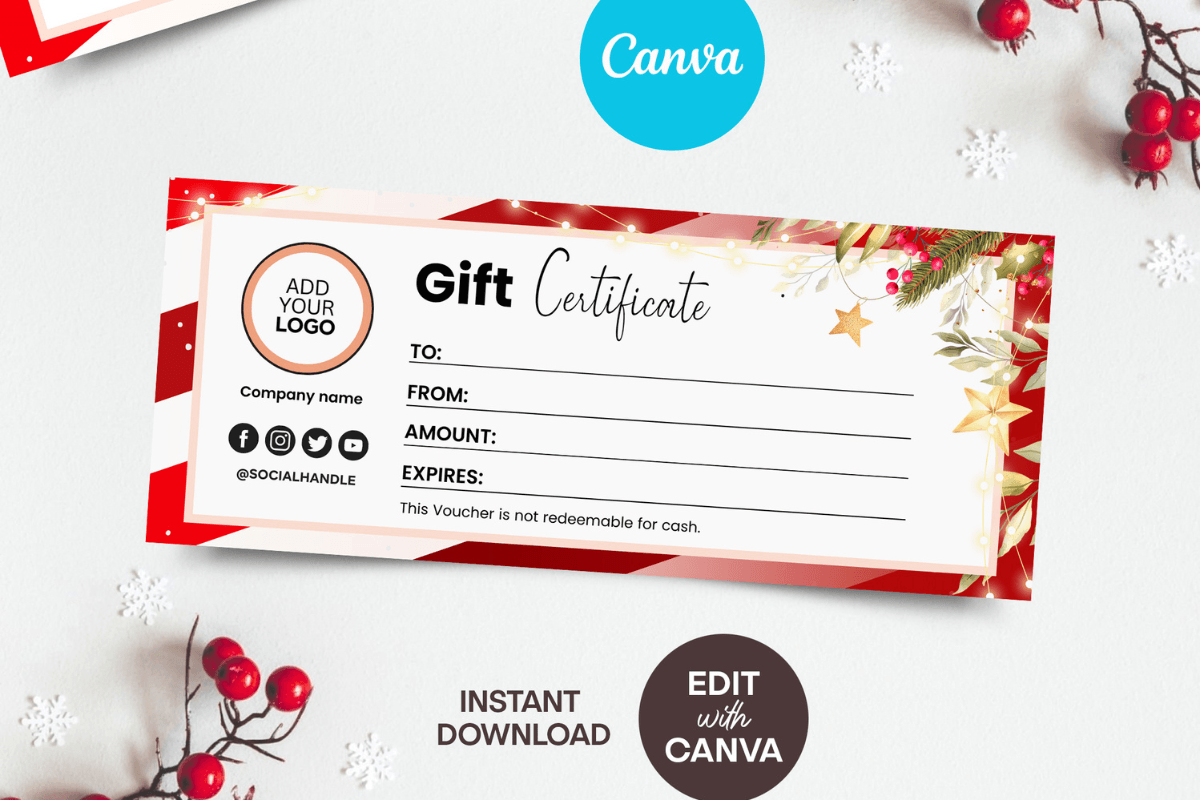
ANGraphics pairs red and cream stripes with seasonal greenery around a light certificate panel. That separation gives the value, recipient and message a clear place to sit, rather than forcing them over busy illustrations. The seller lists an 8.5 × 3.5-inch Canva template with editable text, font colors and branding, making it a practical option for a personal experience gift or a small seasonal service offer.
Use the writing area for the promise itself, then keep redemption instructions brief enough to read at the printed size. Some background, photo or decorative elements have editing limits, so this is best chosen for its existing holiday frame. The listing mentions PDF and JPG export after editing. Check the access document in the actual download; marketplace-specific delivery wording in a description should not be treated as a separate purchase requirement.
3. Ribbon and Holiday Lights Canva Gift Certificate
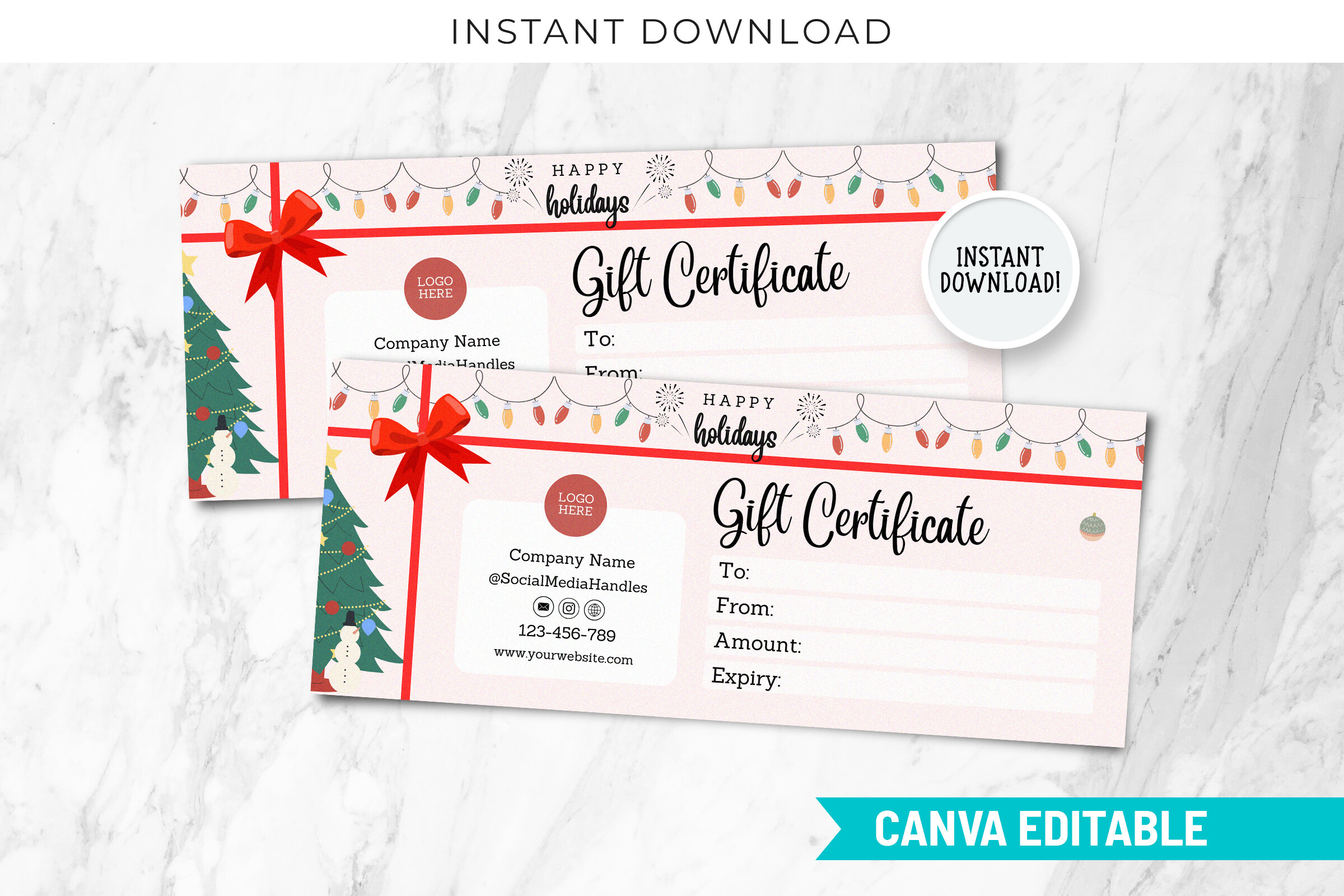
SnapyBiz’s holiday design combines a red ribbon, festive lights and greenery around a wide certificate layout. It has a more traditional Christmas presentation than the shop’s neutral cards, which makes it useful when the printed certificate is the main visible part of the gift. The listed card size is 8.5 × 3.5 inches, with Canva editing for the text and personalization.
The seller describes three certificates arranged on A4 and Letter paper, a convenient starting point for preparing several gifts together. Test that layout against your printer margins before relying on it for a full batch. The CT-23 label is a design code rather than a printed calendar year. Several views in the mockup illustrate presentation and do not, by themselves, establish how many distinct card designs are supplied.
4. Minimal Canva Certificate for a Flexible Holiday Gift
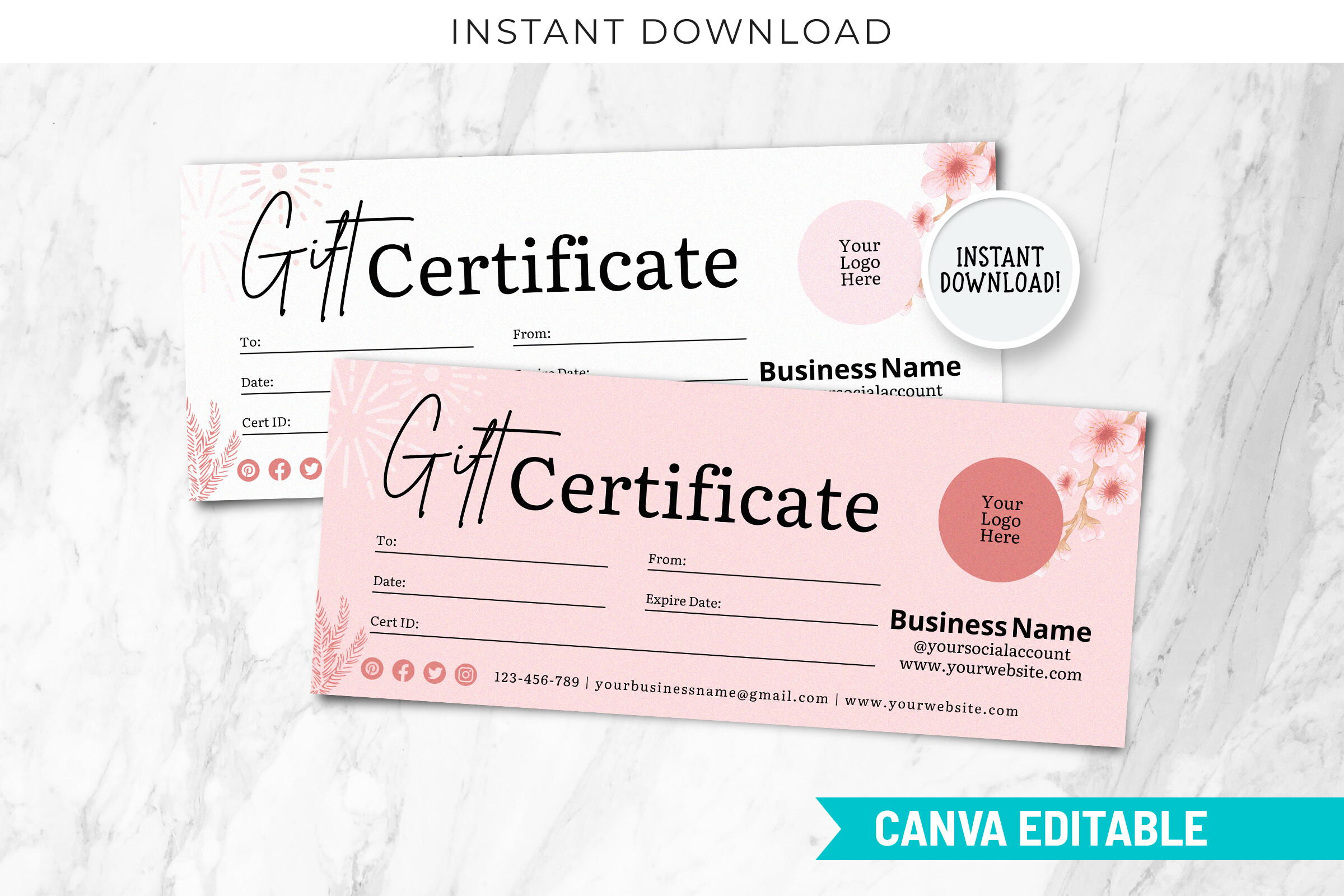
This SnapyBiz certificate takes a quieter approach, with a light writing area, restrained pink details and space for branding. It is a useful alternative when the gift is a massage, a creative lesson or another experience that will be redeemed well after Christmas. The neutral appearance can still feel festive when paired with a seasonal envelope or a short handwritten note.
The listing describes an editable Canva card measuring 8.5 × 3.5 inches, plus a three-per-page arrangement for A4 and Letter. Keep your message focused on the actual experience and check that the smallest text remains readable after export. This is an adaptable holiday option rather than a design covered in Christmas illustrations, so choose it when a reusable business or personal style matters more than overt seasonal decoration.
5. Floral Gift Voucher for Personal Holiday Promises
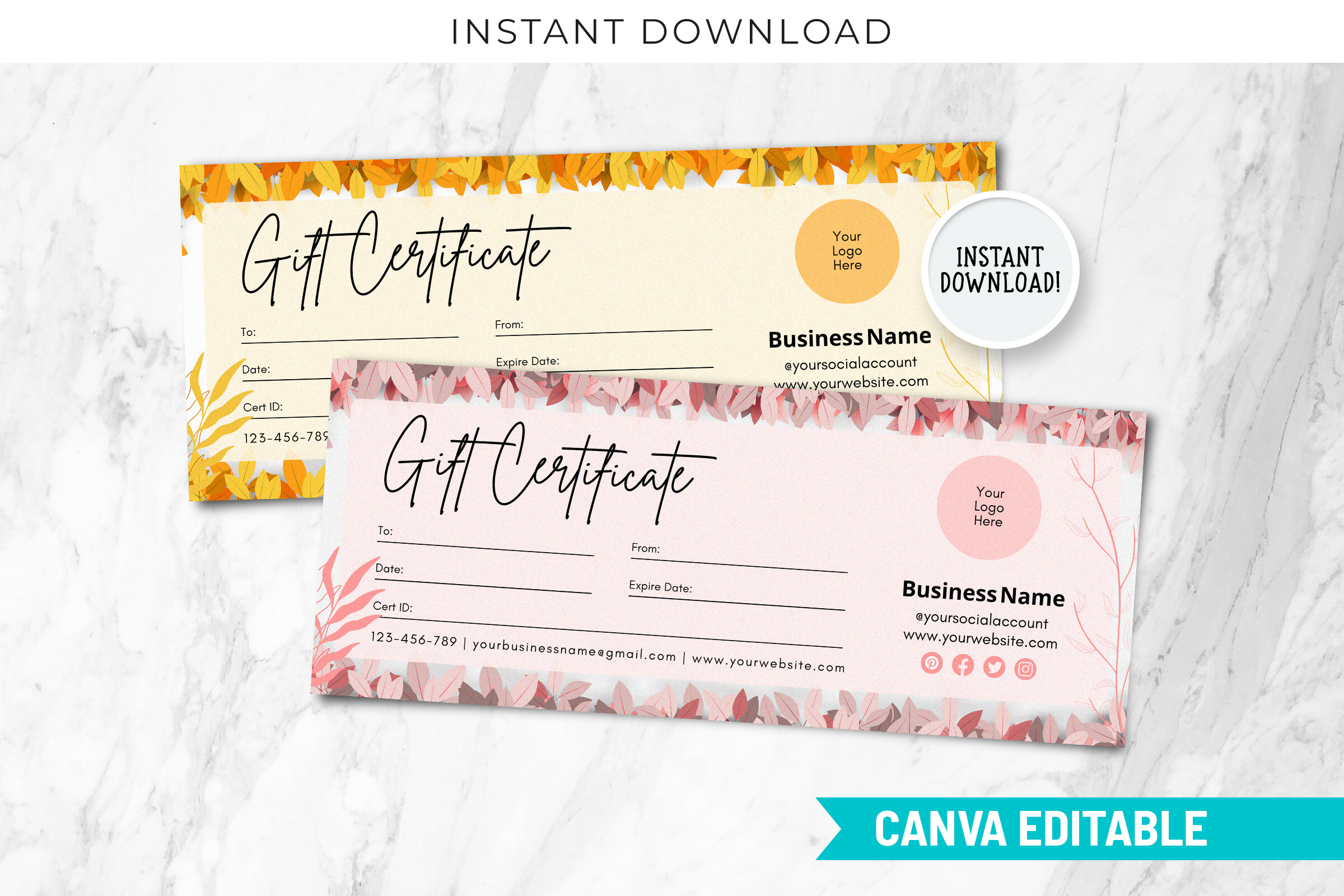
SnapyBiz’s floral voucher frames the writing area with soft botanical details, offering a warmer personal style than a promotional discount card. It suits a promise such as a shared afternoon, a handmade item or a creative workshop, where a small amount of thoughtful wording carries the gift. The preview shows floral treatments in light and pink tones; use those views to judge the style rather than assume an exact design count.
The stated format is an 8.5 × 3.5-inch Canva certificate with three cards on A4 or Letter paper. Personalize the recipient and the specific promise first, then decide whether any business-style fields are relevant. Because the artwork is not exclusively Christmas themed, it can work with holiday packaging now and a different occasion later. Print one sample to check the floral edges and the remaining handwriting space.
6. Fine Tree Line Art Christmas Certificate in Canva
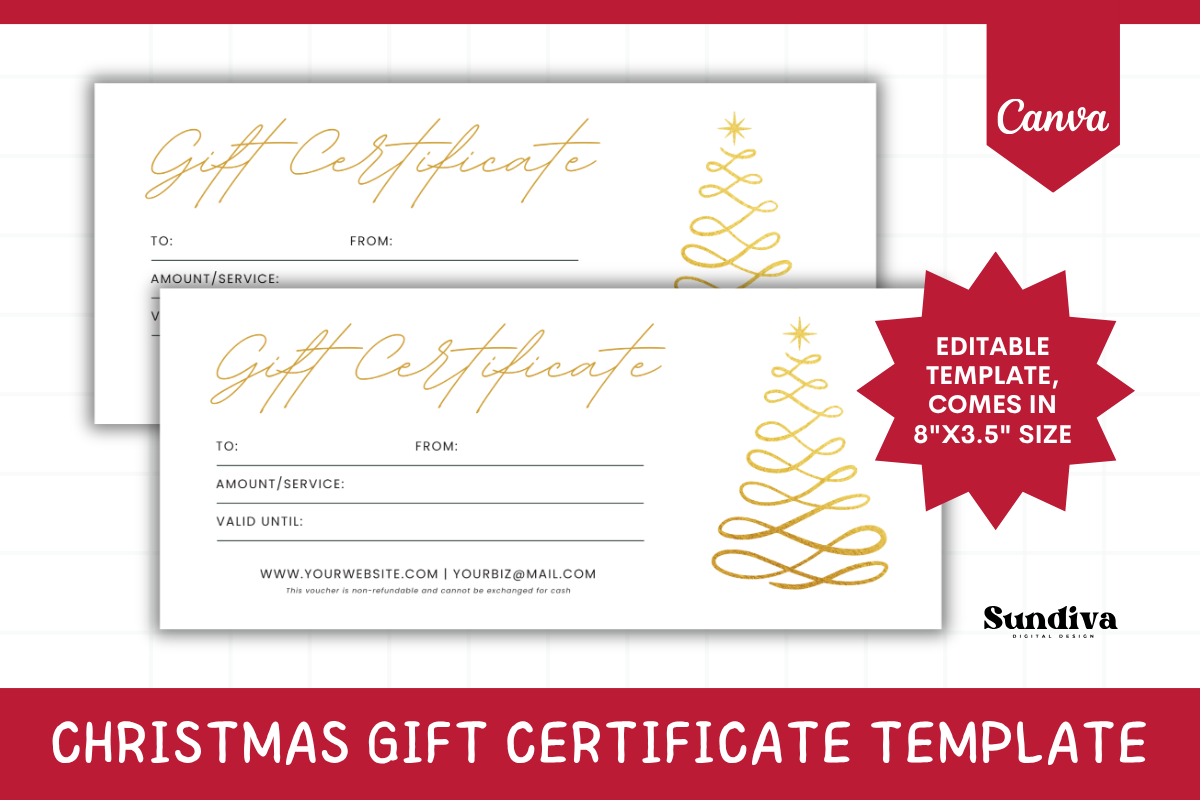
SundivaDesign uses fine tree line art on a cream background for a Christmas certificate that feels calm and uncluttered. The stated 8 × 3.5-inch size gives the card a slightly shorter footprint than several alternatives in this collection. It is a good match for a simple experience gift when you want seasonal artwork without a large illustration competing with the recipient’s name.
The seller specifies Canva editing and a PDF containing the access link and instructions; it is not a Word, Google Docs, Illustrator or Photoshop template. A free Canva account is described as sufficient, with desktop editing preferred. Change the names, value, message, fonts and colors as needed, then check your export before printing. This clear editing route is especially useful if browser-based personalization is your main requirement.
7. Bold Christmas Coupon for Photoshop Editing
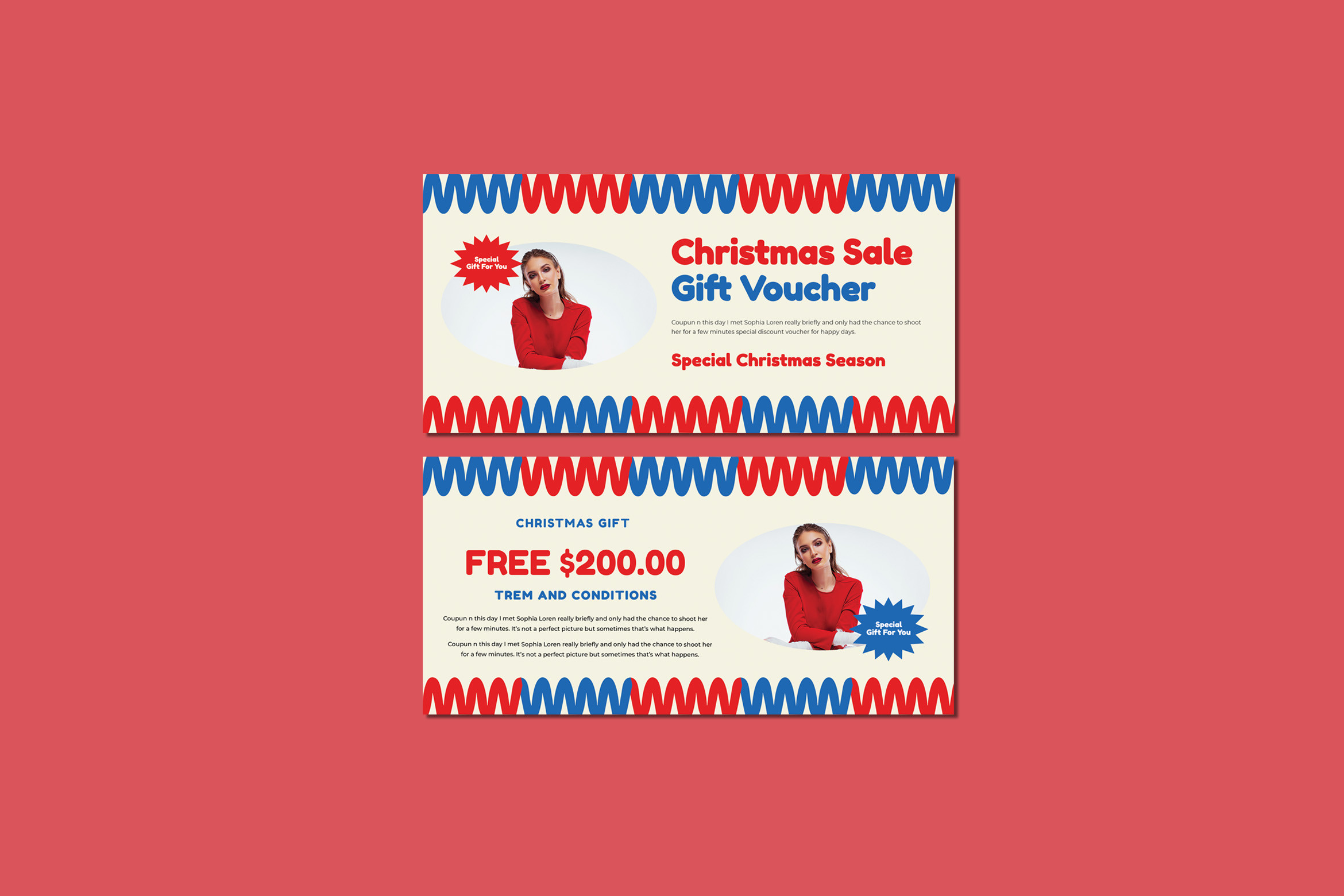
Maghrib’s coupon uses a strong red, blue and cream palette with prominent sale and voucher wording. This is the most promotional option here, making it better suited to a seasonal business offer than a quiet handwritten promise. The preview includes example value text and placeholder copy, so the existing message needs a full review before the card represents your own gift or promotion.
The product lists a fully layered Photoshop file at 8.5 × 4 inches, with editable colors, CMYK output and 300 DPI. Font information is supplied in the documentation. Replace the example amount, terms and photograph as appropriate, and verify image inclusion in the archive rather than assume the mockup portrait is licensed separately. The advantage is layout control; the tradeoff is a more involved editing process than a Canva card.
8. Square Cubist Christmas Gift Card with Design Source Files
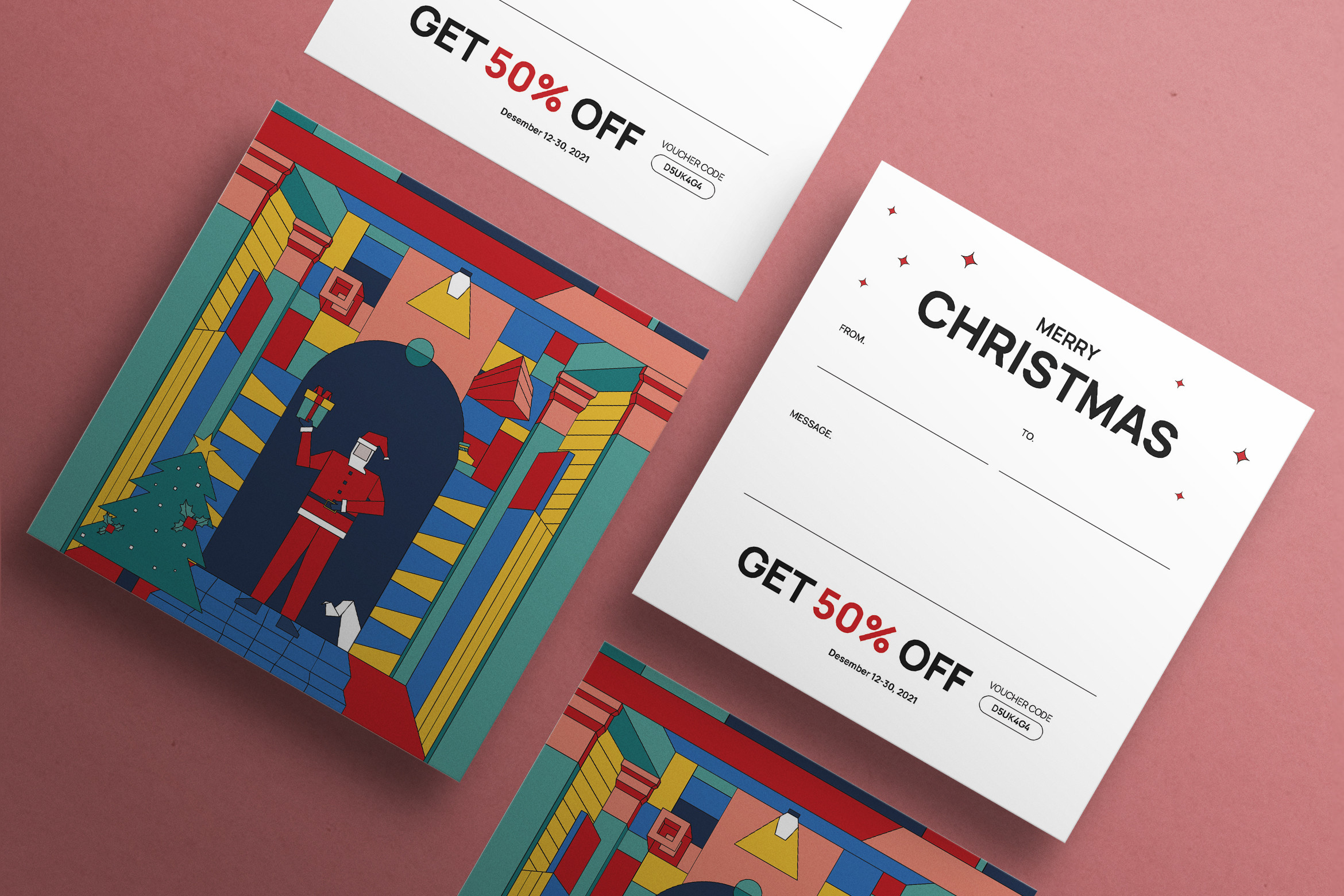
Neermanastudio’s Christmas gift card combines a colorful cubist illustration with a cleaner information side. Its square 210 mm format makes it a distinctive choice when you want the card to feel like a substantial printed present. The preview’s discount message is an example: rewrite it to describe your actual gift, and check whether the generous square size suits your envelope and printing plan.
The listing supplies two AI, two EPS and two PSD files, along with documentation and free-font information. It specifies a 3 mm bleed on each side, CMYK and 300 DPI. These are design source files rather than a browser template, so choose this option when you can work in compatible software. Keep important writing inside the trim area, and verify the included layouts before assuming the mockup represents an additional finished card size.
Print and personalize your certificates
Export a test card before preparing the full gift list. Check the physical dimensions, trim marks and your printer margins, especially when a template places several cards on one sheet. Use actual size where appropriate and compare the result with its envelope. A listed three-card layout may still need adjustment for the printable area of a home printer.
Read the finished wording as the recipient would. Replace example prices, names and promotional copy, and make a personal promise specific enough to understand. If the certificate represents a business offer, use the actual terms you intend to honor. Store a copy of the completed design and a simple record of issued cards so repeat printing does not create confusion.
Which Christmas gift certificate should you choose?
Choose a strongly seasonal card when the holiday artwork is part of the present. A neutral floral or minimal layout works better when the experience will happen later in the year. The most convenient template is the one whose editing route you can complete comfortably, rather than the one with the most elaborate mockup.
For a short personal message, prioritize a clear writing area and a manageable card size. For branded cards, look for editable text and room for your logo, then confirm whether the background can change too. Keep the original download separate from your completed version so next season starts with a clean template.